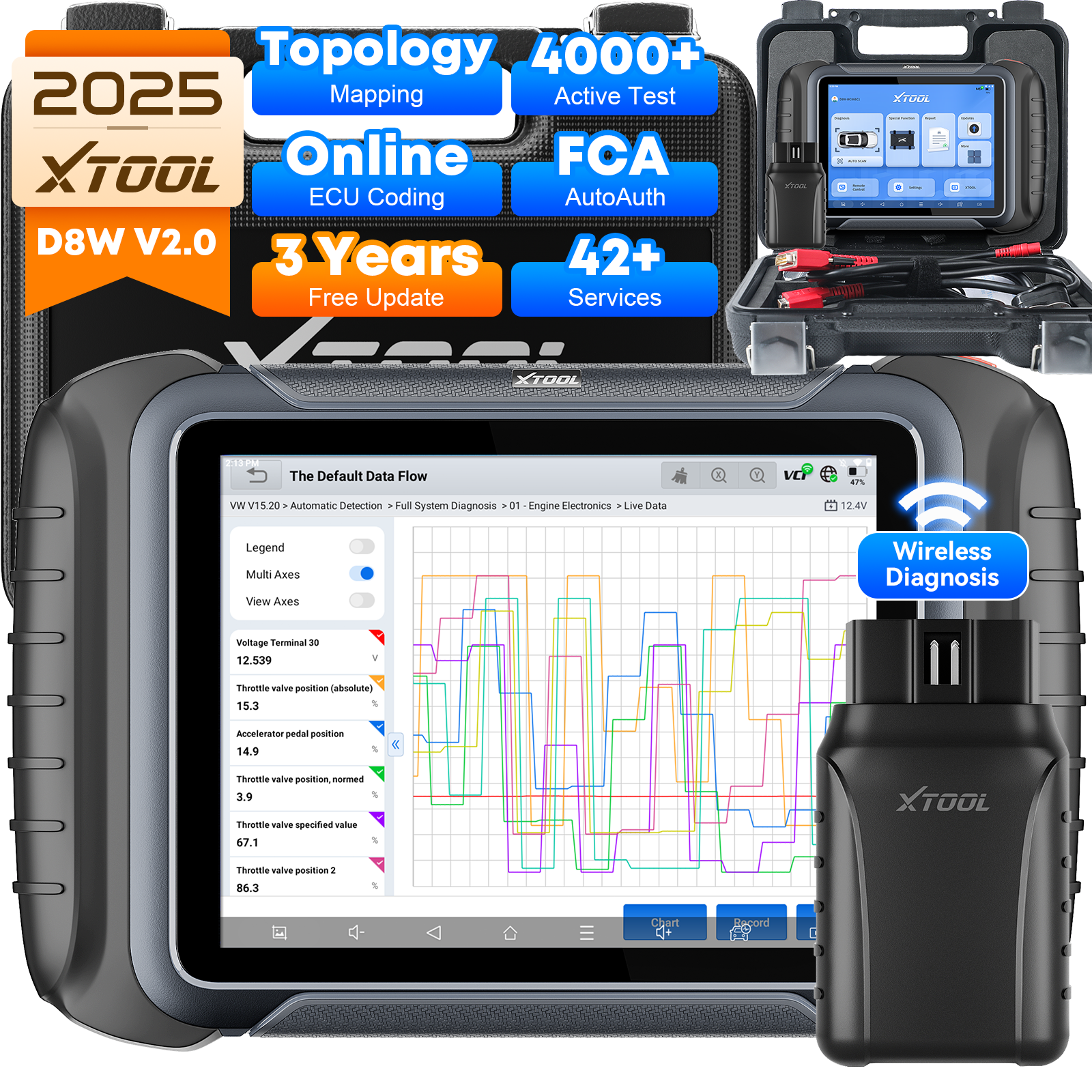
Are you tired of guessing what’s wrong with your vehicle every time the check engine light comes on? Imagine having a tool that gives you clear, instant answers about your car’s health—right at your fingertips.
A professional automotive diagnostic scanner can save you time, money, and stress by helping you spot problems early and avoid costly repairs. You’ll discover how to buy the right diagnostic scanner online, what features to look for, and how it can transform the way you maintain your vehicle.
Keep reading to take control of your car’s performance like a pro.
Choosing The Right Scanner
Buying an automotive diagnostic scanner can be confusing. There are many types and features to consider.
This guide helps you pick the right scanner for your needs and vehicle.
Types Of Diagnostic Scanners
Diagnostic scanners come in different types. Each serves a specific purpose.
- Code Readers: Basic tools that read error codes.
- OBD2 Scanners: Work with most vehicles made after 1996.
- Professional Scanners: Offer advanced functions like live data and bi-directional control.
- Bluetooth Scanners: Connect to smartphones for easy use.
Compatibility With Vehicle Models
Not all scanners work with every vehicle. Check scanner compatibility before buying.
| Scanner Type | Supported Vehicle Types | Year Range |
| Code Reader | Most Cars | 1996 and Newer |
| OBD2 Scanner | Cars, Light Trucks | 1996 and Newer |
| Professional Scanner | Cars, Trucks, SUVs | Wide Range, Including Older Models |
| Bluetooth Scanner | Most Vehicles with OBD2 Port | 1996 and Newer |
Essential Features To Consider
Some features make a scanner more useful. Consider these before purchase.
- Live Data Display: Shows real-time engine information.
- Error Code Reading and Clearing: Identifies and resets trouble codes.
- Multi-Brand Support: Works with various car brands.
- Software Updates: Keeps the scanner current with new vehicle models.
- User-Friendly Interface: Easy to navigate menus and controls.
- Battery Life: Longer battery life for portable use.

Credit: al-muhands.com
Top Brands And Models
Choosing the right automotive diagnostic scanner matters for accurate car repairs. Many brands offer different models for various needs. This guide covers top brands and models you can buy online.
We focus on professional scanners, budget-friendly options, and a comparison of advanced features. This helps you find the best scanner for your work or personal use.
Leading Professional Scanners
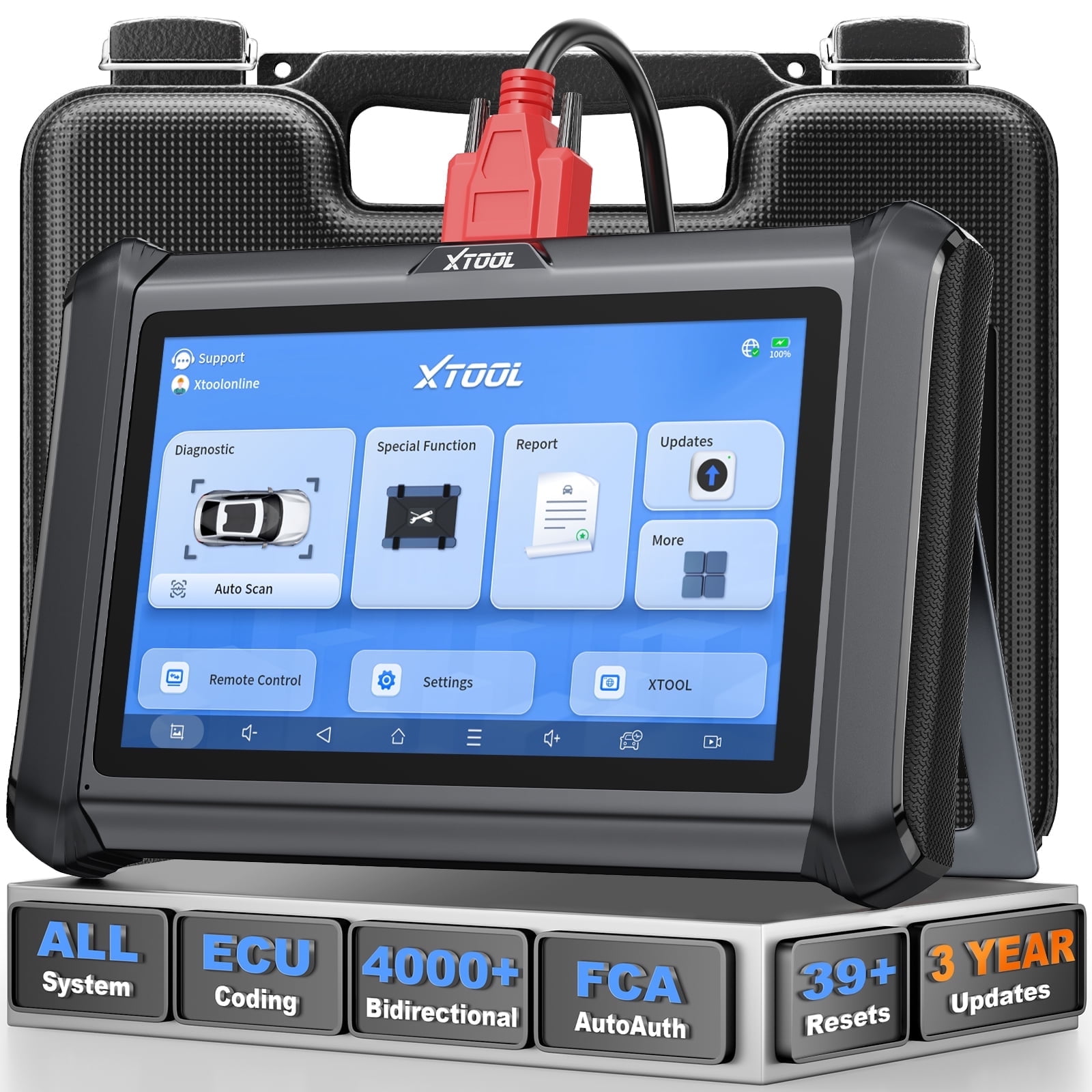
Professional scanners provide detailed diagnostics and support many vehicle makes. They often include software updates and expert-level features.
- Autel MaxiSys MS908: Supports extensive vehicle coverage and fast data reading.
- Launch X431 V+: Offers wireless connectivity and advanced coding functions.
- Snap-on Solus Edge: Known for reliable diagnostics and user-friendly interface.
- Innova 3160g: Combines professional features with easy use for shops.
Budget-friendly Options
Budget scanners suit hobbyists or small repair shops. They cover common diagnostic needs without extra costs.
| Model | Price Range | Key Feature |
| BlueDriver Bluetooth | $100-$120 | Wireless and app-based diagnostics |
| ANCEL AD310 | $60-$80 | Basic engine and ABS codes |
| FOXWELL NT301 | $80-$100 | Easy to read codes and live data |
| Autel AutoLink AL319 | $50-$70 | Simple design with quick code reading |
Advanced Features Comparison
Advanced scanners vary in features such as data updates, vehicle coverage, and coding ability. Comparing them helps pick the right tool.
| Feature | Autel MaxiSys MS908 | Launch X431 V+ | Snap-on Solus Edge | BlueDriver Bluetooth |
|---|---|---|---|---|
| Vehicle Coverage | Wide, many brands | Wide, many brands | Wide, many brands | Limited to popular models |
| Software Updates | Free for 1 year | Free for 1 year | Free for 1 year | Free lifetime updates |
| Wireless | Yes | Yes | No | Yes |
| Advanced Coding | Yes | Yes | No | No |
| Price | High | High | High | Low |
Buying Online Safely
Buying an automotive diagnostic scanner online is easy and saves time. You must take care to shop safely. This guide helps you avoid common risks.
Learn how to find trusted sellers, avoid scams, and understand return policies. These tips keep your purchase secure and reliable.
Trusted Online Retailers
Choose well-known retailers with good reputations. Look for clear contact details and secure website connections. Trusted sellers offer verified products and customer support.
- Check retailer reviews on independent sites
- Look for secure payment methods like credit cards or PayPal
- Verify if the retailer specializes in automotive tools
- Confirm the seller offers warranty and support
Avoiding Scams And Counterfeits
Scams and fake products are common online. Be careful with prices that seem too low. Always verify the authenticity of the scanner before buying.
| Warning Sign | What to Do |
| Unrealistic low price | Compare with other sellers |
| No product details | Ask seller for information |
| Missing reviews | Look for feedback from buyers |
| No warranty | Avoid buying this product |
Return Policies And Warranties
Before buying, read the return policy carefully. Know how long you have to return the scanner and if you must pay return shipping. Warranties protect your device from defects.
- Check the time frame for returns or exchanges
- Understand what conditions apply for returns
- Look for warranty length and coverage details
- Keep all receipts and packaging until you confirm satisfaction

Credit: www.walmart.com
Using Your Diagnostic Scanner
A diagnostic scanner helps you find car problems fast. It connects to your vehicle’s computer to read error codes.
Using the scanner correctly can save time and money on repairs. This guide shows you how to use it well.
Basic Setup And Installation
First, find your car’s OBD-II port. It is usually under the dashboard on the driver’s side.
Plug the scanner into the port. Turn on your car’s ignition but do not start the engine yet.
- Locate the OBD-II port under the dashboard
- Connect the scanner securely
- Switch the ignition to “on” without starting the engine
Reading And Clearing Codes
Turn on the scanner and let it communicate with the car’s computer. It will show error codes if any.
Write down the codes or save them on the device. Use a code list or manual to understand the meaning.
- Power on the scanner and connect to the car
- Read the error codes displayed
- Clear the codes after repairs to reset the system
Performing Advanced Diagnostics
Some scanners offer live data and system tests. These help check sensors and engine parts in real time.
Follow your scanner’s menu to run tests like oxygen sensor checks or emission readiness. This helps spot hidden issues.
- Access live data streams to monitor sensor readings
- Run specific system tests for ABS, transmission, and more
- Save diagnostic reports for mechanic review
Maintaining Your Scanner
Keeping your automotive diagnostic scanner in good shape ensures it works well for a long time. Proper care helps avoid errors and saves repair costs.
Learn simple ways to update, store, and fix common problems with your scanner.
Regular Updates And Software
Updating the scanner’s software keeps it compatible with new car models. It also improves accuracy and fixes bugs.
- Connect the scanner to Wi-Fi or a computer.
- Check for new software updates regularly.
- Download and install updates as soon as they are available.
- Restart the device after updating to apply changes.
- Backup important data before updating to avoid loss.
Proper Storage And Handling
Store the scanner in a clean, dry place away from direct sunlight and extreme temperatures. Handle it gently to avoid damage.
| Storage Tip | Reason |
| Use a protective case | Prevents scratches and drops |
| Keep away from liquids | Avoids short circuits and corrosion |
| Store in a cool, dry area | Protects internal electronics |
| Disconnect when not in use | Prevents battery drain |
Troubleshooting Common Issues
Some problems are easy to fix on your own. Check these tips before seeking professional help.
- If the scanner won’t turn on, check the battery or power source.
- For error messages, restart the device and try again.
- Clean the connector pins gently to ensure a good connection.
- If the screen freezes, perform a soft reset as explained in the manual.
- Update the software to fix bugs that cause malfunctions.
Credit: www.walmart.com
Maximizing Scanner Benefits
Using an automotive diagnostic scanner properly can save time and money. It helps find car problems faster. Understanding how to get the most from your scanner is key.
This guide shows how to use scanners with other tools, manage data, and find good training resources. These tips improve your repair work and diagnostics.
Integrating With Repair Tools
Connecting your scanner with repair tools makes fixing cars easier. It lets you test parts and get live data during repairs. Integration speeds up work and improves accuracy.
- Link scanner software with workshop tools for real-time data
- Use scanner codes to guide repair tool adjustments
- Pair scanner with multimeters or oscilloscopes for detailed checks
- Sync scanner results with vehicle service systems
Data Management And Reports
Good data management helps track vehicle issues and repairs. Storing scanner reports allows easy review and sharing with customers or teams. Organized data means better decisions.
| Feature | Benefit |
| Save Diagnostic Codes | Quick reference for repeat problems |
| Generate Reports | Clear communication with clients |
| Export Data | Use in other repair software |
| Cloud Storage | Access reports anywhere |
Training And Support Resources
Learning to use your scanner well is important. Many scanners come with manuals and online tutorials. Support helps fix issues and updates keep tools current.
- Watch video guides to understand features
- Join forums to ask questions and share tips
- Contact customer support for technical problems
- Attend workshops for hands-on training
Frequently Asked Questions
What Is An Automotive Diagnostic Scanner?
An automotive diagnostic scanner is a device that reads vehicle error codes. It helps identify engine and system issues quickly. Professionals use it for accurate troubleshooting and maintenance. These scanners connect to the car’s OBD-II port to retrieve data. They improve repair efficiency and reduce downtime.
Why Buy A Professional Diagnostic Scanner Online?
Buying online offers a wide selection and competitive prices. You can compare features and read reviews before purchasing. Professional scanners have advanced functions for detailed diagnostics. Online stores often provide warranty and customer support. Shopping online saves time and delivers products directly to you.
How To Choose The Best Automotive Scanner?
Consider compatibility with your vehicle’s make and model. Check for features like live data and code clearing. Look for user-friendly interfaces and software updates. Read reviews and compare prices for value. Ensure it supports professional-level diagnostics for accurate results.
Can I Use A Professional Scanner On Any Car?
Most professional scanners support all OBD-II compliant vehicles. Check if your car is OBD-II compatible (usually post-1996). Some scanners offer multi-protocol support for older models. Always verify device compatibility before purchase. This ensures accurate diagnostics on your vehicle.
Conclusion
Choosing the right automotive diagnostic scanner is crucial for car maintenance. Online purchases offer convenience and variety. Compare features and prices carefully. Read reviews from other buyers. This helps in making informed decisions. A good scanner saves time and money.
It helps identify car issues early. Investing in one ensures your car runs smoothly. Proper maintenance leads to a longer lifespan. Make a smart choice today. Your car will thank you. Safe travels ahead!