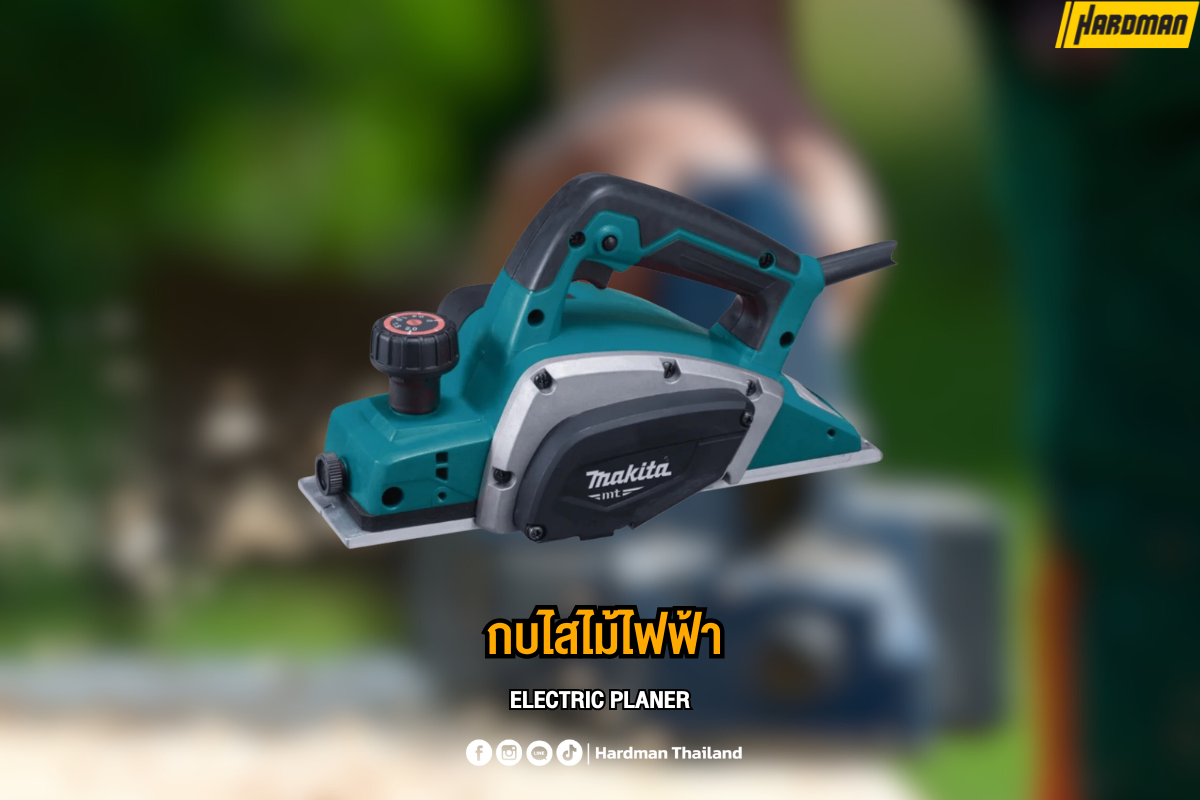
Are you looking to get the most out of your power planer? Whether you’re a seasoned woodworker or a DIY enthusiast, maintaining your power planer is crucial for achieving smooth, precise cuts every time.
Imagine the frustration of a dull blade snagging your workpiece or an unexpected breakdown in the middle of a project. But fear not! With just a few simple maintenance steps, you can ensure your planer runs efficiently and lasts for years.
In this guide, we’ll walk you through everything you need to know to keep your power planer in peak condition, saving you time, money, and a whole lot of headaches. Stick with us, and you’ll master the art of planer maintenance in no time!
Choosing The Right Power Planer
Picking the right power planer helps you do smooth and even woodwork. It saves time and effort on your projects.
This guide covers different types, key features, and safety tips for choosing a power planer.
Types Of Power Planers
Power planers come in many styles for different jobs. Choose one that fits your work needs.
- Handheld Planers:Lightweight and easy to use for small tasks.
- Benchtop Planers:Fixed on a table, good for precise thickness control.
- Surface Planers:Used for large wood surfaces and heavy duty work.
Key Features To Consider
Look for features that improve your work quality and comfort.
| Feature | Description |
| Power | Higher watts or amps mean faster and smoother planing. |
| Blade Type | Sharp and durable blades last longer and cut cleaner. |
| Depth Adjustment | Allows precise control over how much wood is removed. |
| Weight | Lighter planers are easier to handle for long work. |
| Dust Collection | Helps keep your workspace clean and safe. |
Safety Precautions
Always follow safety rules to avoid accidents while using a power planer.
- Wear safety goggles to protect your eyes from wood chips.
- Use ear protection to guard against loud noise.
- Keep hands away from the blade area at all times.
- Check the planer for damage before each use.
- Work on a stable surface to prevent slips or falls.
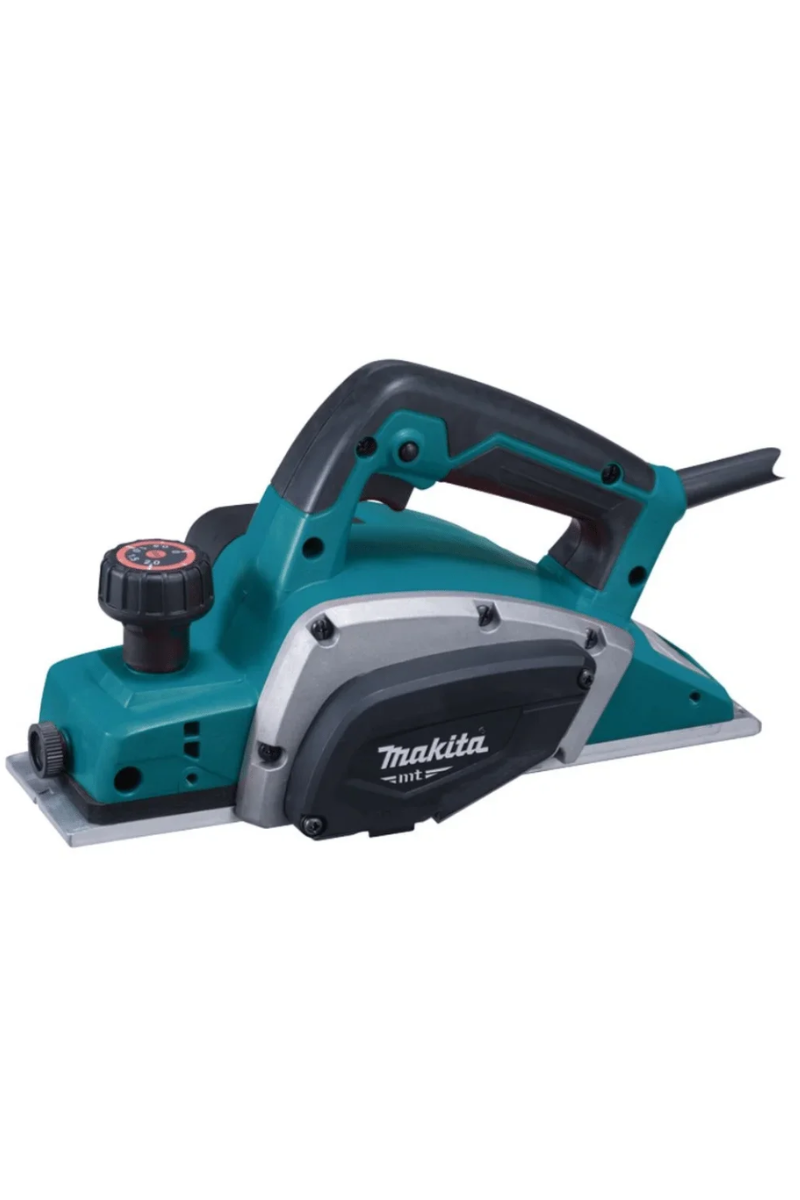
Credit: www.hardman.co.th
Preparing Your Power Planer For Use
Before starting your power planer, take time to prepare it properly. This helps you work safely and get smooth results.
Check important parts like blades, power source, and depth settings. Proper checks avoid problems during work.
Inspecting The Blades
Look closely at the blades before use. Sharp blades cut wood cleanly and reduce effort. Dull blades can cause rough surfaces and damage.
- Remove any dust or wood chips from the blades.
- Check for cracks, chips, or dull edges.
- Replace or sharpen blades if they show signs of wear.
- Make sure blades are tightly secured in the planer.
Checking The Power Source
Ensure the power source is safe and ready. A steady power supply keeps the planer running smoothly. Check cords and batteries before starting.
| Power Source | Checkpoints |
| Electric Cord | Look for cuts or frays; confirm plug fits well |
| Battery | Fully charged and properly installed |
| Extension Cord | Use a heavy-duty cord rated for power tools |
Adjusting The Depth Settings
Set the cutting depth before you start planing. Correct depth gives you smooth, even results. Too deep cuts can damage wood or strain the tool.
- Turn off and unplug the planer before adjusting.
- Locate the depth adjustment knob or lever.
- Set the depth according to your project needs.
- Test on scrap wood to confirm the depth setting.
Cleaning And Storage Tips
Keeping your power planer clean and stored well helps it last longer. Dirt and dust can cause problems if left inside the tool.
Good cleaning and proper storage keep your planer ready for the next job. It also protects the tool from damage.
Removing Dust And Debris
After each use, remove dust and debris from the planer. Dust can build up and affect the motor and blades.
Use a soft brush or compressed air to clean hard-to-reach parts. Avoid using water to clean the motor area.
- Unplug the planer before cleaning
- Brush away dust from vents and blades
- Use compressed air for tight spaces
- Wipe surfaces with a dry cloth
Proper Storage Techniques
Store your power planer in a clean, dry place. Proper storage keeps dust and dirt away.
Keep the planer in its case or a toolbox to avoid damage. Make sure it is stored where it won’t fall or get knocked over.
- Use the original case if available
- Keep the planer on a stable shelf or bench
- Store away from direct sunlight
- Keep out of reach of children
Protecting Against Moisture
Moisture can cause rust and damage the power planer. Keep it dry to protect metal parts and the motor.
If you work in damp areas, use a moisture absorber or silica gel packs near the stored planer. Wipe off any water right away.
- Store in a dry, ventilated area
- Use moisture absorbers inside the storage case
- Dry the planer if it gets wet
- Check regularly for signs of rust
Blade Maintenance
Keeping your power planer blades in good shape helps the tool work well. Proper care avoids damage and keeps cuts smooth.
Focus on sharpening, replacing, and handling blades safely. These steps make your planer last longer and stay safe.
Sharpening Blades
Dull blades reduce cutting quality and strain the motor. Sharpen blades regularly to keep edges sharp and clean.
- Remove blades carefully from the planer.
- Use a fine file or sharpening stone to sharpen the cutting edge.
- Maintain the original angle of the blade edge.
- Check for nicks or damage during sharpening.
- Reinstall blades securely after sharpening.
Replacing Worn Blades
Blades wear out over time and need replacement. Signs of wear include chips, cracks, and loss of sharpness.
| Blade Condition | Action |
| Small nicks or dull edges | Sharpen blade |
| Large chips or cracks | Replace blade |
| Blade bent or warped | Replace blade |
| Blade wears down below safety marks | Replace blade |
Handling Blades Safely
Blades are sharp and can cause injury. Always handle them with care to avoid cuts.
- Wear cut-resistant gloves when handling blades.
- Keep blades away from children and pets.
- Store blades in a safe, dry place.
- Use proper tools to remove or install blades.
- Do not touch the cutting edge directly.
Lubrication And Mechanical Care
Keeping your power planer in good shape requires regular lubrication and mechanical care. These steps help the tool run smoothly and last longer.
Focus on moving parts, belt tension, and electrical components to maintain your planer’s performance.
Lubricating Moving Parts
Lubricate the moving parts of your power planer to reduce friction and wear. Use a light machine oil or lubricant recommended by the manufacturer.
- Apply oil to the blade drum bearings
- Lubricate the depth adjustment gears
- Keep the lever joints free of dirt and grease them lightly
- Wipe off any excess oil to avoid attracting dust
Checking Belt Tension
Correct belt tension keeps the planer running without slipping. Check the tension regularly to prevent damage.
| Condition | Action |
| Belt too loose | Tighten using the adjustment screws |
| Belt too tight | Loosen slightly to avoid strain |
| Belt worn or cracked | Replace with a new belt |
Inspecting Electrical Components
Check the power cord, switch, and motor for damage or wear. Safe electrical parts prevent accidents and keep the planer working.
- Look for cracks or cuts in the power cord
- Test the switch to ensure it works smoothly
- Listen for unusual motor noises
- Clean dust from vents to avoid overheating
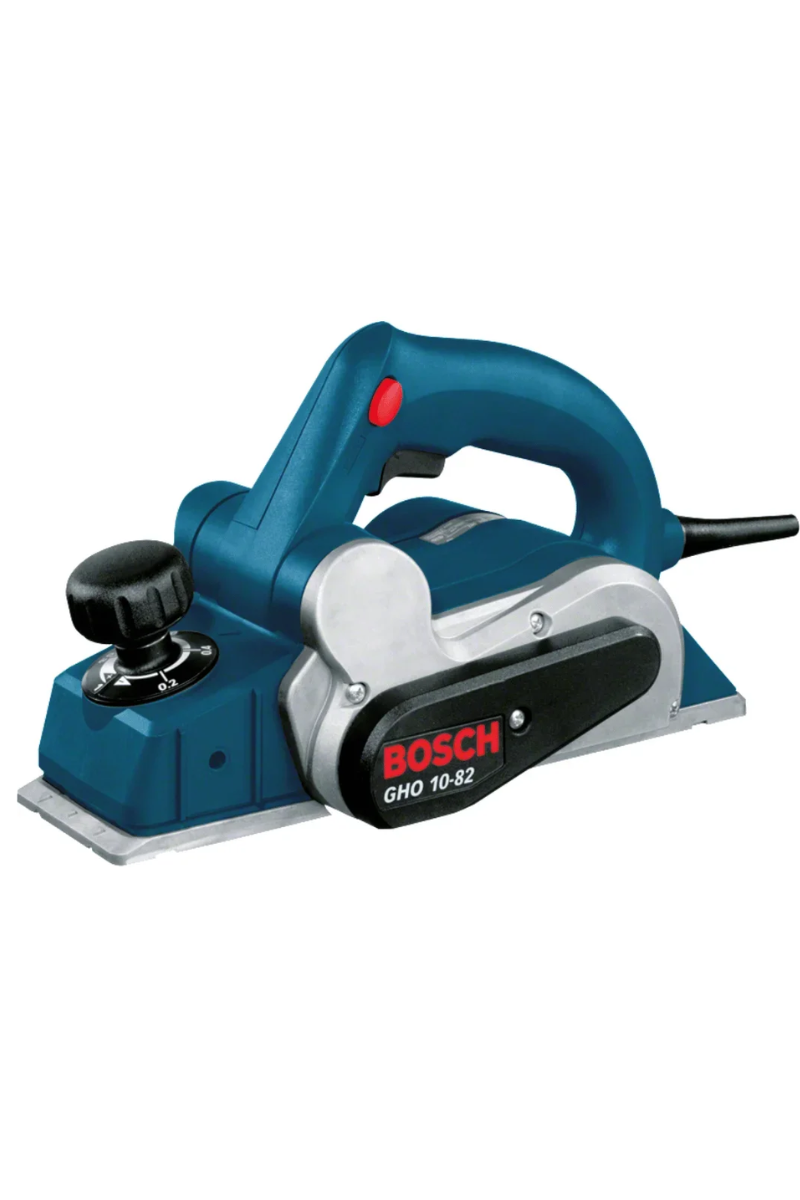
Credit: www.hardman.co.th
Troubleshooting Common Issues
Power planers are useful tools for smoothing wood surfaces. Sometimes they face issues that slow down work.
This guide covers easy ways to fix common problems. You can keep your planer working well with simple checks.
Dealing With Uneven Planing
Uneven planing happens when the blades are dull or set wrong. Dirt on the surface can also cause this.
- Check blade sharpness and replace if dull.
- Make sure blades are aligned and tightened properly.
- Clean the base plate and work surface before use.
- Adjust the depth setting evenly across the board.
Addressing Overheating
Overheating can damage the motor and reduce tool life. It often happens when the planer is used too long or on hard wood.
| Cause | Solution |
| Continuous use without breaks | Turn off tool every 15 minutes to cool down |
| Dull blades causing extra motor load | Sharpen or replace blades |
| Blocked air vents | Clean air vents and remove dust |
| Incorrect power supply | Use correct voltage and check wiring |
Fixing Power Interruptions
Power interruptions stop the planer and can harm its motor. Common reasons include loose cords or blown fuses.
- Inspect power cord for cuts or loose connections.
- Check the plug and outlet for damage or dirt.
- Replace blown fuses or reset circuit breakers.
- Test the switch and replace if faulty.
Extending The Lifespan Of Your Planer
Keeping your power planer in good shape helps it last longer. Regular care prevents problems and keeps it working well.
Simple steps can protect your tool. Follow these tips to extend its life and save money on repairs.
Regular Maintenance Schedule
Check your planer often and clean it after use. Dust and debris can cause damage over time.
Inspect blades for sharpness and replace them if dull. Lubricate moving parts to avoid rust and wear.
- Clean dust and wood chips after each use
- Check blade sharpness weekly or after heavy use
- Lubricate bearings and moving parts monthly
- Tighten screws and bolts regularly
- Store in a dry place to prevent rust
Using The Planer Correctly
Use your power planer the right way to avoid damage. Do not force it to cut too deeply at once.
Make smooth, even passes over the wood. Let the tool do the work, and keep a steady speed.
- Set cutting depth in small steps
- Hold the planer firmly with both hands
- Keep the wood stable and secure
- Avoid pushing the tool too fast or slow
- Turn off and unplug before adjusting blades
Upgrading Parts When Needed
Replace worn or broken parts to keep your planer working well. New blades improve cutting quality and reduce strain.
Check the manufacturer’s guide for compatible parts. Upgrading parts can extend the tool’s life and performance.
- Use sharp, high-quality blades
- Replace belts if cracked or worn
- Change brushes when motor performance drops
- Buy parts recommended by the manufacturer

Credit: www.vevor.ca
Frequently Asked Questions
How Often Should I Clean My Power Planer?
Clean your power planer after every use. Remove dust and debris to prevent clogging. Regular cleaning ensures smooth operation and extends tool life.
What Type Of Oil Is Best For Power Planer Maintenance?
Use lightweight machine oil for lubricating your power planer. Avoid heavy oils as they can attract dust. Proper lubrication reduces friction and wear on moving parts.
How Do I Sharpen The Blades Of A Power Planer?
Remove the blades carefully and use a sharpening stone or file. Maintain the original bevel angle. Sharp blades improve cutting efficiency and reduce motor strain.
Can I Store A Power Planer Outdoors?
No, always store your power planer in a dry, indoor space. Moisture can cause rust and damage electrical components. Proper storage maintains tool performance and longevity.
Conclusion
Regular care keeps your power planer working well and safe. Clean it after each use to stop dust build-up. Sharpen or replace blades for smooth cutting every time. Check the power cord and parts often to catch problems early. Store the planer in a dry place to avoid rust.
Simple steps like these extend the tool’s life and save money. Keep your power planer ready for any project. Small efforts bring big results.