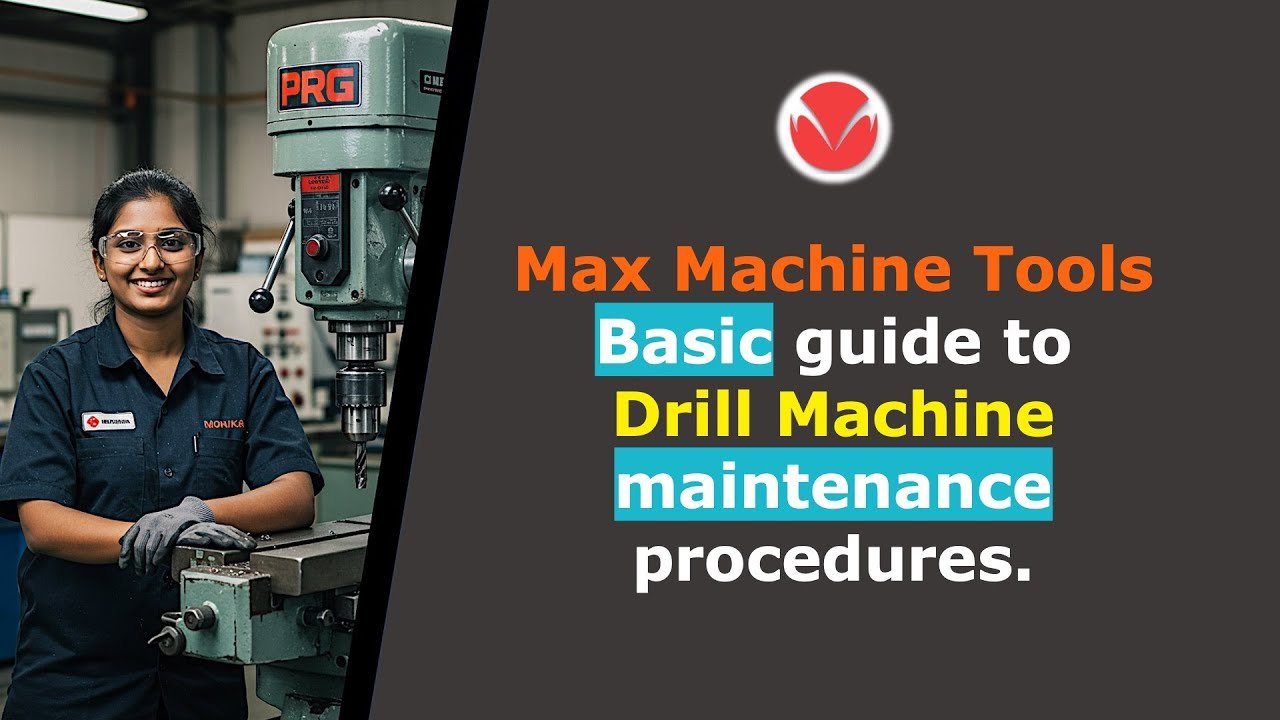
If you own a drill press, you know how important it is to keep it working smoothly. But do you ever wonder how to make sure your machine stays reliable and safe for every project?
This guide to maintaining a drill press is made just for you. It will show you simple, effective steps to keep your drill press in top shape. By following these tips, you’ll save time, avoid costly repairs, and get better results every time you drill.
Ready to make your drill press last longer and work better? Keep reading to learn the secrets to easy maintenance you can start today.
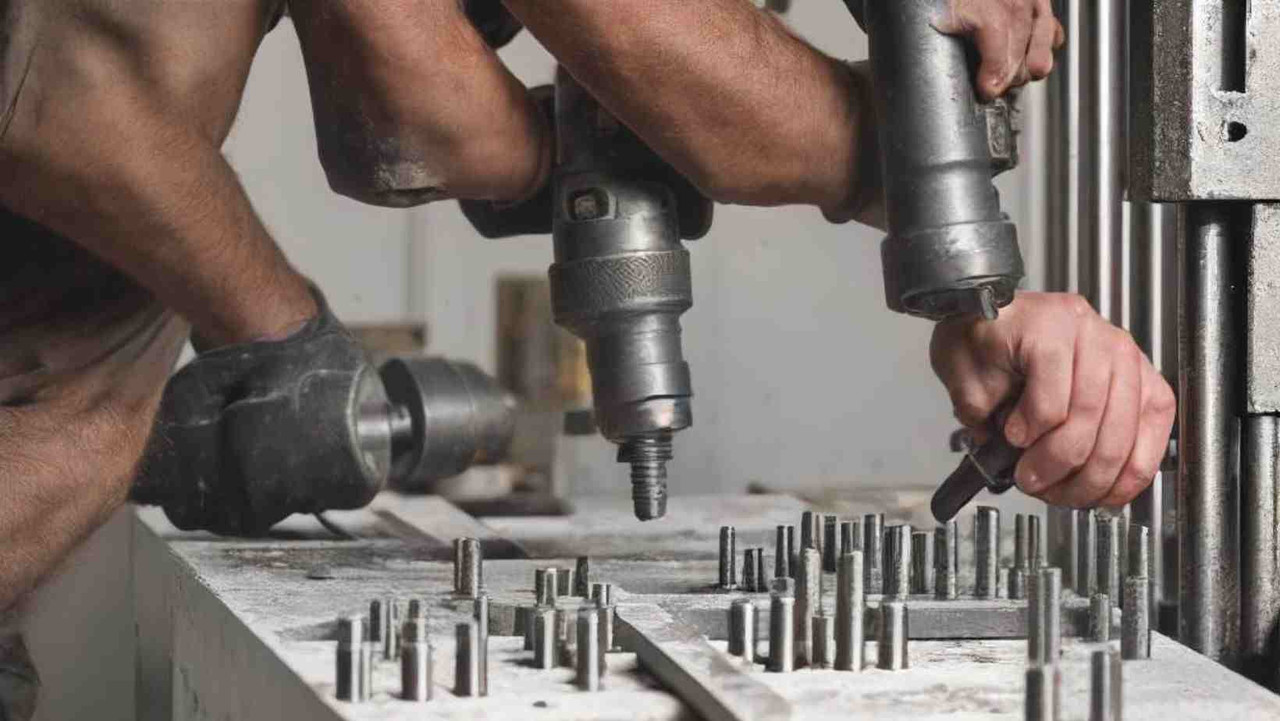
Credit: tendsupplies.com
Choosing The Right Drill Press
Picking the correct drill press helps you work safely and efficiently. You should know the types and features before buying one.
This guide explains different drill presses and what to look for in each model. Use it to find a drill press that fits your needs.
Types Of Drill Presses
There are several drill press types. Each fits different tasks and spaces. Knowing these types helps you decide better.
- Bench Drill Press:Small and fits on a workbench. Good for light tasks and small projects.
- Floor Drill Press:Larger and stands on the floor. Best for heavy work and big materials.
- Radial Drill Press:Has an arm that moves. Useful for drilling large or oddly shaped items.
- Magnetic Drill Press:Portable and sticks to metal surfaces. Ideal for drilling steel in tough spots.
Key Features To Consider
Check these features before buying a drill press. They affect how well the tool works for you.
| Feature | What to Look For | Why It Matters |
|---|---|---|
| Motor Power | Stronger motors handle tougher jobs. | Prevents slow drilling and motor strain. |
| Speed Settings | Variable speeds for different materials. | Allows precise control and cleaner holes. |
| Table Size | Bigger tables support larger workpieces. | Gives stability and ease when drilling. |
| Depth Stop | Adjustable to set drilling depth. | Ensures consistent hole depth every time. |
| Build Quality | Solid, sturdy frame reduces vibration. | Improves safety and drilling accuracy. |
Setting Up Your Drill Press
Setting up your drill press correctly ensures safe and accurate work. It helps the machine run smoothly and last longer.
This guide covers proper installation and how to align the table and spindle for the best results.
Proper Installation
Choose a solid, flat surface for your drill press. This keeps it steady during use.
Use bolts or screws to fix the base securely to the workbench or floor. Check that it does not wobble.
- Pick a level surface free of dust and debris
- Secure the drill press base with strong bolts
- Make sure the area around the press is clear
- Keep the power cord away from moving parts
Aligning The Table And Spindle
Align the table so it is square to the spindle. This ensures holes are drilled straight.
Use a square or dial indicator to check the alignment. Adjust the table tilt and rotation if needed.
- Loosen the table lock handle
- Adjust the table until it is square with the spindle
- Tighten the lock handle firmly
- Test alignment by drilling a small hole in scrap wood
Routine Cleaning Practices
Keeping your drill press clean helps it work well and last longer. Dirt and dust can cause problems if not removed regularly.
Follow simple cleaning steps to keep your drill press safe and efficient. Regular care saves you time and money.
Removing Dust And Debris
Dust and debris build up around the drill press during use. Removing these particles stops damage and keeps parts moving smoothly.
Use a brush or compressed air to clean hard-to-reach places. Wipe surfaces with a clean cloth to remove dirt.
- Turn off and unplug the drill press before cleaning
- Use a soft brush to remove dust from crevices
- Blow compressed air into tight spots to clear debris
- Wipe all exposed surfaces with a dry or lightly damp cloth
- Avoid using water directly on electrical parts
Cleaning The Chuck And Spindle
The chuck and spindle hold the drill bit in place. Dirt here can cause the bit to slip or the machine to work poorly.
Remove the chuck if possible and clean it with a cloth and light oil. Clean the spindle to prevent rust and keep it spinning freely.
- Unplug the drill press before starting
- Open the chuck and wipe inside with a clean cloth
- Apply a small amount of machine oil to the chuck jaws
- Spin the spindle by hand while wiping it clean
- Reinstall the chuck and test for smooth operation
Lubrication And Oil Maintenance
Keeping your drill press well lubricated helps it run smoothly. It also reduces wear on moving parts.
Regular oiling extends the tool’s life and improves safety during use.
Lubricating Moving Parts
Lubricate all moving parts like the spindle, gears, and pulleys. This prevents rust and friction.
- Clean parts before applying oil to remove dust and debris.
- Apply oil evenly on the spindle and gear teeth.
- Use a cloth to wipe off excess lubricant.
- Check oil levels in gear cases if your drill press has them.
- Repeat lubrication monthly or after heavy use.
Choosing The Right Lubricant
Pick lubricants that suit metal parts and moving mechanisms. Some oils work better for heavy loads.
| Lubricant Type | Best For | Notes |
| Light Machine Oil | Spindles and Bearings | Easy to apply and clean |
| Grease | Gears and Pulleys | Stays in place longer |
| WD-40 | Rust Prevention | Good for cleaning but not heavy lubrication |
| Penetrating Oil | Stuck Parts | Loosens rusted joints |
Inspecting And Replacing Parts
Keeping your drill press in good shape means checking its parts often. This helps the machine work safely and last longer.
Regular inspection can find problems early. Fixing or changing parts stops bigger damage.
Checking Belts And Pulleys
Belts and pulleys move power from the motor to the drill. Look for cracks, frays, or wear on the belts. Check pulleys for damage or dirt.
Loose belts can slip and reduce power. Tighten belts if they feel loose. Clean pulleys to keep them running smooth.
- Look for cracks or splits on belts
- Check if belts feel loose or worn
- Inspect pulleys for damage or dirt
- Clean pulleys regularly
- Tighten belts if they slip
Replacing Worn Components
Parts like belts, bearings, and switches wear out over time. Replace them to keep your drill press safe and working well.
Use the right replacement parts for your model. Follow the manual to install parts correctly. Worn parts can cause accidents or damage.
- Replace belts that are cracked or frayed
- Change bearings if they make noise or feel rough
- Swap out switches that do not work properly
- Use parts made for your drill press model
- Follow instructions when installing new parts
Credit: ftp.spaceneedle.com
Calibrating For Precision
Calibrating your drill press ensures accurate and clean holes. It helps you work safely and avoid mistakes.
Regular checks keep your drill press performing well. Focus on depth stops and drill bit alignment for best results.
Adjusting Depth Stops
Depth stops control how deep the drill bit goes into the material. Set them carefully to avoid drilling too far.
To adjust the depth stop, loosen the locking screw. Move the stop to the desired depth and tighten the screw back.
- Check depth stop markings before setting
- Use a ruler or caliper for accuracy
- Test on scrap material before drilling the main piece
- Adjust if the drill bit does not reach the exact depth
Aligning The Drill Bit
Proper alignment of the drill bit ensures straight and clean holes. Misalignment can cause damage or poor results.
To align the drill bit, turn off the drill press first. Loosen the chuck and insert the bit straight. Tighten the chuck securely.
- Check the bit is perpendicular to the table
- Use a square tool to verify alignment
- Adjust the table or quill if needed
- Re-tighten the chuck firmly to avoid slipping
Safety Checks Before Use
Using a drill press safely starts with thorough checks. These checks help prevent accidents and damage.
Always perform safety checks before turning on the machine. This ensures the drill press works properly.
Testing Safety Features
Check that all safety guards are in place and secure. Test the emergency stop button to make sure it works.
- Inspect the drill press guard for cracks or damage.
- Make sure the guard covers the drill bit properly.
- Press the emergency stop button and confirm it stops the motor immediately.
- Verify that the power switch moves smoothly and returns to off position.
- Check for any loose or damaged cords around the machine.
Ensuring Secure Workpieces
Secure the material firmly before drilling. Loose pieces can cause injury or damage the drill bit.
| Tool | Purpose |
|---|---|
| Clamps | Hold workpieces steady on the drill press table |
| Vise | Secure small or irregular materials tightly |
| Stop Block | Prevent workpieces from moving forward during drilling |
Troubleshooting Common Issues
Drill presses are reliable tools but can have issues over time. Knowing how to fix common problems helps keep your machine working well.
This guide covers motor problems and inaccurate drilling. Use these tips to find solutions fast and avoid long downtime.
Dealing With Motor Problems
If your drill press motor won’t start or sounds strange, check these areas first. Most motor issues come from simple causes.
- Ensure the power cord is plugged in and not damaged.
- Test the outlet with another device to confirm it works.
- Look for burnt smells or visible damage near the motor.
- Check the motor brushes; worn brushes can stop the motor.
- Clean dust and debris from vents to prevent overheating.
Replacing motor brushes or cleaning the motor usually fixes most problems. If the motor hums but does not spin, the start capacitor may need replacement.
Fixing Inaccurate Drilling
Drilling holes that are off-center or uneven can result from several issues. Check the drill press setup and tools before starting a project.
| Cause | Fix |
| Loose drill chuck | Tighten chuck securely around the bit |
| Worn or bent drill bit | Replace with a new, straight bit |
| Misaligned table | Adjust the table to be square with the drill |
| Loose spindle or bearings | Inspect and tighten or replace parts |
| Incorrect feed rate | Use a slower feed rate for accuracy |
Regularly check alignment with a square tool. Properly tightened parts and sharp drill bits improve hole quality.
Storing Your Drill Press
Proper storage keeps your drill press safe and working well. It stops damage from moisture and dust. Good storage helps your tool last longer.
Learn simple ways to protect your drill press. These tips will keep it clean and dry during storage.
Protecting From Moisture
Moisture can cause rust and harm your drill press parts. Store it in a dry place away from water or damp walls. Use a dehumidifier if your storage area is humid.
- Keep the drill press off the floor to avoid water damage.
- Use silica gel packs nearby to absorb moisture.
- Check the storage area often for leaks or dampness.
- Apply a light coat of machine oil to metal parts before storing.
Covering And Dust Prevention
Dust can clog parts and reduce drill press performance. Always cover the tool with a dust cover or cloth. This stops dust from settling on the machine.
| Cover Type | Benefits |
| Plastic Cover | Water-resistant, protects from moisture and dust |
| Cloth Cover | Breathable, prevents dust build-up without trapping moisture |
| Custom Drill Press Cover | Fits perfectly, full protection from dust and moisture |

Credit: ceeportmachine.com
Frequently Asked Questions
How Often Should I Lubricate My Drill Press?
Lubricate your drill press every 20 hours of use. Regular lubrication helps reduce friction and wear. It also ensures smooth operation and prolongs the life of your machine.
What Is The Best Way To Clean A Drill Press?
Use a soft, damp cloth to wipe the surfaces. Avoid using harsh chemicals that can damage the finish. Compressed air can help remove dust from hard-to-reach areas. Regular cleaning keeps your drill press in optimal condition.
How Do I Align The Drill Press Table?
Loosen the adjustment knobs to tilt the table. Use a square to check for alignment. Adjust until the table is perfectly perpendicular to the drill bit. Proper alignment ensures accurate drilling results.
Why Is My Drill Press Making Noise?
Noise may indicate a loose part or worn bearings. Check for any loose bolts or components. Lubricate moving parts to reduce friction. Addressing these issues can prevent further damage and ensure smooth operation.
Conclusion
Maintaining your drill press keeps it working well and safe to use. Clean it often and check for loose parts. Lubricate moving pieces to avoid rust and wear. Replace worn parts quickly to prevent bigger problems. Regular care saves money and extends the tool’s life.
Keep these simple steps in mind for smooth, reliable drilling. A well-kept drill press helps you finish projects faster. Small efforts today prevent big repairs tomorrow. Easy and smart maintenance makes your work better.