Is your electrical panel acting up and leaving you in the dark—literally? When your breakers trip or your power flickers, it can be confusing and even a bit scary.
But don’t worry, you don’t need to be an expert to understand what’s going on inside your electrical panel. This guide will walk you through simple steps to identify common problems and fix them safely. By the end, you’ll feel confident handling your electrical panel like a pro.
Ready to take control of your home’s power? Let’s get started.

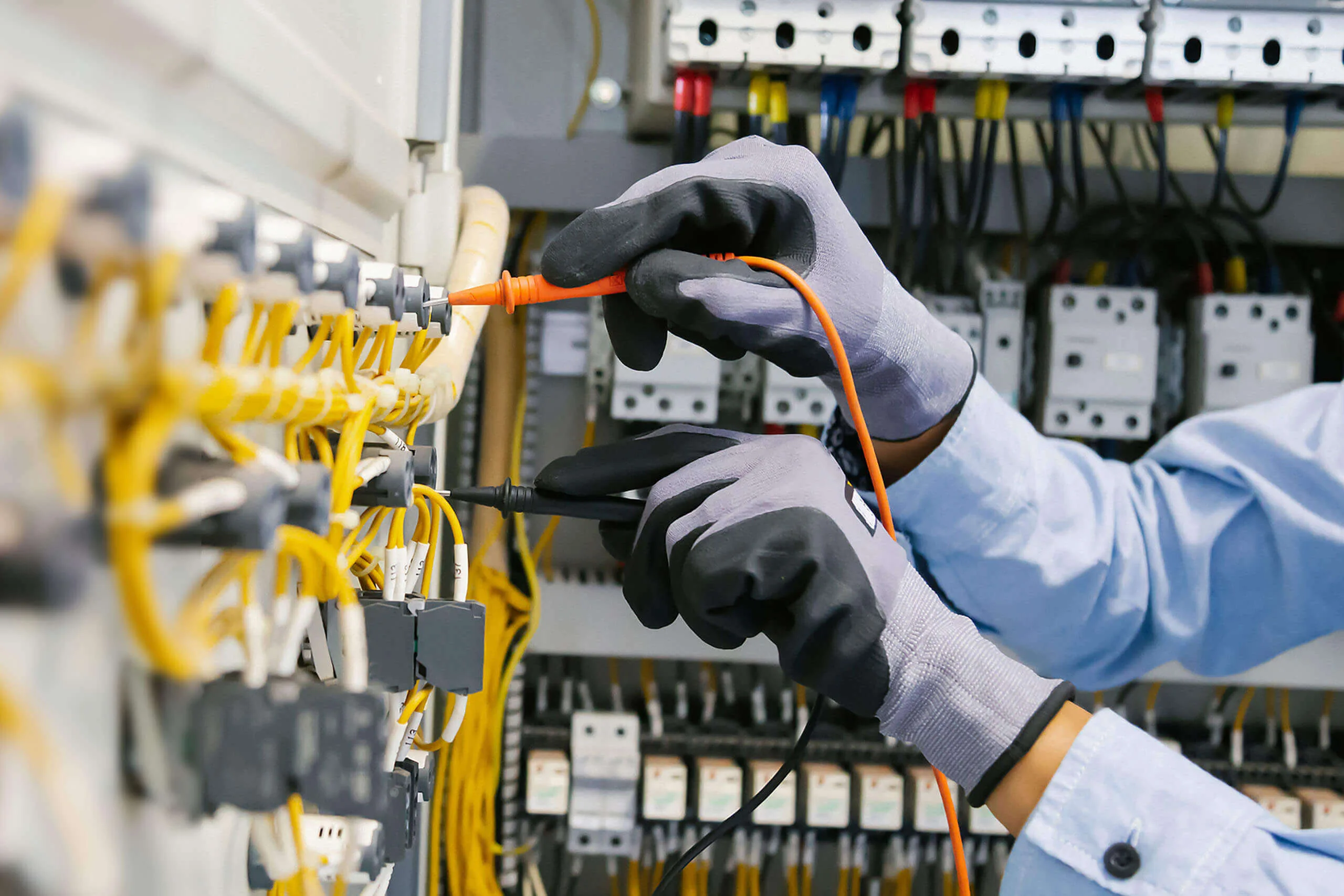
Credit: www.amazon.in
Common Electrical Panel Issues
Electrical panels control power flow in your home. Problems here can cause power loss or hazards.
Knowing common issues helps you spot trouble early and keep your home safe.
Tripped Circuit Breakers
Circuit breakers trip to stop electrical overloads. This protects wiring from damage.
Frequent tripping may mean a serious problem. It can be caused by too many devices or a short circuit.
Flickering Lights
Flickering lights often mean loose wiring or a bad connection in the panel.
- Check if bulbs are screwed in tightly.
- Look for signs of wear on wires.
- Call a professional if flickering continues.
Burning Smell
A burning smell near the panel is a serious warning. It may mean overheated wires or components.
Turn off power and call an electrician immediately if you detect this odor.
Corroded Connections
Corrosion on connections can cause poor power flow and increase fire risk.
| Signs of Corrosion | Effects |
| Green or white powder on wires | Weak connections, power loss |
| Rust on metal parts | Increased resistance, heat |
| Loose wires | Intermittent power or sparks |
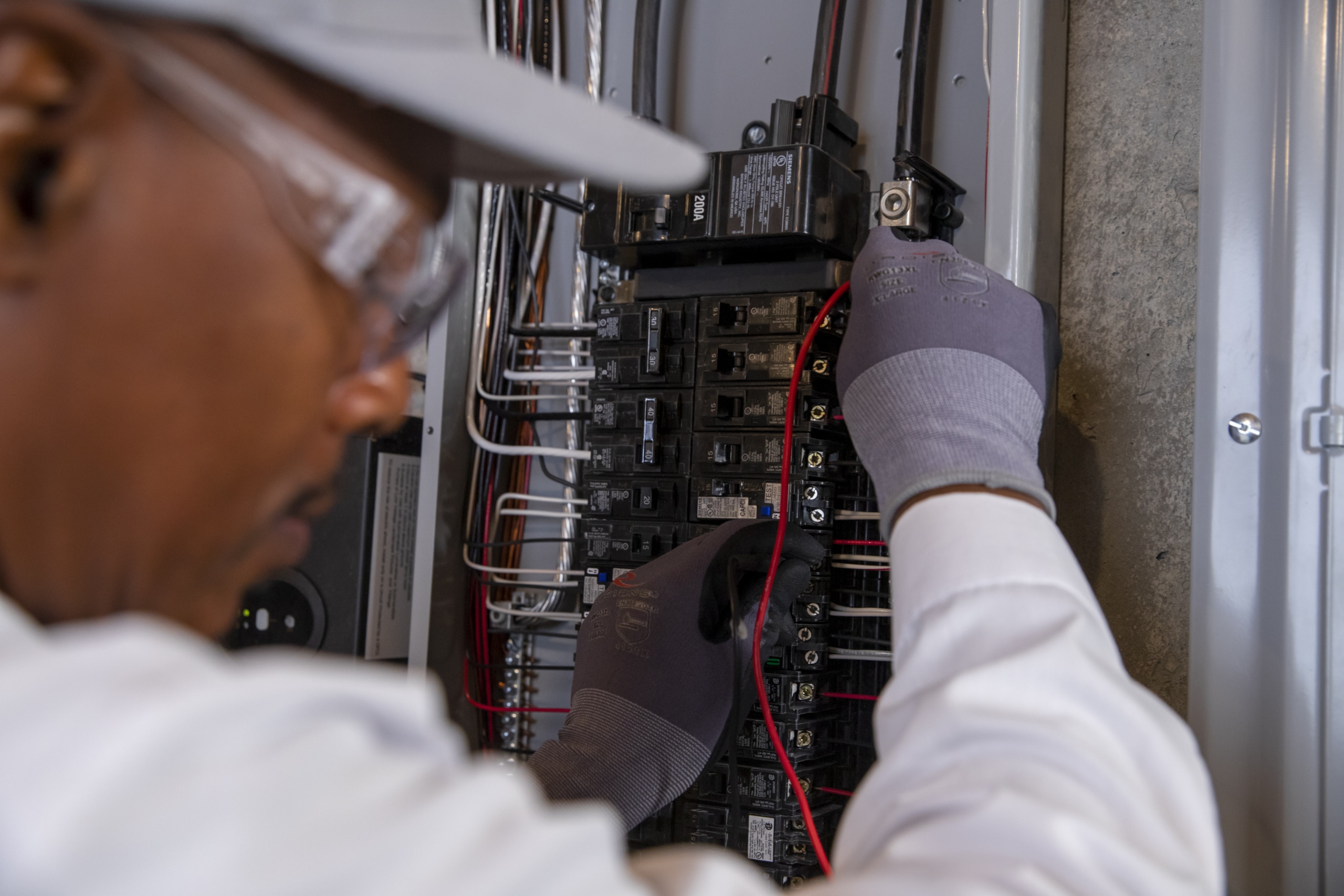
Credit: www.hoffmannbros.com
Safety Measures Before Troubleshooting
Working on an electrical panel can be dangerous. Always follow safety rules to avoid injury. Proper preparation helps you work safely and efficiently.
Before starting any troubleshooting, you must take important safety steps. These steps protect you and others around you.
Power Shutdown Procedures
Turn off the main power supply to stop electricity flow. Confirm no current runs through the panel before touching anything.
- Locate the main breaker or switch.
- Switch off the main power to the panel.
- Use a voltage tester to check for live wires.
- Lock the breaker if possible to prevent accidental power-on.
- Inform others about the power shutdown.
Using Protective Gear
Wear the right safety gear before working on the panel. This gear protects you from shocks and burns.
- Insulated rubber gloves to avoid electric shock.
- Safety goggles to protect your eyes from sparks.
- Flame-resistant clothing to protect skin.
- Non-conductive shoes or boots.
- Hard hat if working near overhead wires.
Tools You Need
Use tools designed for electrical work. These tools reduce the risk of accidents and make troubleshooting easier.
| Tool | Purpose | Safety Feature |
| Insulated Screwdrivers | Remove and tighten screws safely | Non-conductive handles |
| Voltage Tester | Check if wires are live | Detects voltage without contact |
| Wire Strippers | Strip insulation from wires | Precision cutting to avoid damage |
| Multimeter | Measure voltage, current, and resistance | Insulated probes for safety |
| Lockout Tagout Kit | Prevent accidental power restoration | Locks and tags breakers |
Step-by-step Troubleshooting
Troubleshooting an electrical panel helps find and fix power issues. Follow clear steps to check the panel safely.
This guide covers key actions to spot problems and restore electricity fast.
Inspecting Breakers And Fuses
Start by looking at the breakers and fuses inside the panel. Broken or tripped breakers stop power flow.
Check for visible signs like burns, cracks, or a breaker in the off position.
- Look for any breaker that is switched off or in the middle position.
- Check fuses for black marks or damage.
- Replace blown fuses with the correct type and rating.
- Do not force breakers back on if they keep tripping.
Testing Voltage Levels
Use a voltage tester or multimeter to check power in the panel. This confirms if electricity reaches the breakers.
Measure voltage at different points carefully to avoid shocks.
- Turn off the main breaker before testing.
- Set the multimeter to the correct AC voltage range.
- Test between the hot and neutral wires for voltage reading.
- Voltage should be close to your local power supply level.
Checking For Loose Wires
Loose wires can cause power loss or sparks. Inspect wire connections inside the panel.
Tighten any screws or terminals that hold the wires firmly in place.
- Turn off the main breaker before touching wires.
- Look for wires that move or look disconnected.
- Use a screwdriver to tighten loose wire terminals.
- Replace damaged wires to prevent hazards.
Resetting Breakers Safely
Reset breakers only after checking for faults. Turning breakers back on restores power to circuits.
Follow safety steps to avoid injury or damage.
- Switch the breaker fully off before turning it on.
- Stand to the side when resetting to avoid sparks.
- If the breaker trips again, do not reset repeatedly.
- Call a professional if problems continue after reset.
Quick Fixes For Common Problems
Electrical panels can have issues that cause power problems. Fixing them quickly keeps your home safe.
This guide covers easy ways to solve common electrical panel troubles.
Replacing Faulty Breakers
Faulty breakers may trip often or fail to reset. Replacing them can restore proper power flow.
Turn off the main power before replacing any breakers. Remove the old breaker and snap in a new one that matches the panel.
- Turn off main breaker
- Remove the faulty breaker
- Insert the new breaker firmly
- Turn on main power and test
Tightening Loose Connections
Loose connections can cause flickering lights or power loss. Tightening screws can fix this issue.
Always switch off power before checking connections. Use a screwdriver to secure all wire terminals tightly.
- Turn off main power
- Check all wire screws
- Tighten any loose connections
- Turn on power and check
Cleaning Corrosion
Corrosion on panel parts can cause poor contact and power issues. Cleaning helps restore proper function.
Turn off power and use a wire brush or sandpaper to clean corroded areas. Avoid water or liquids.
- Switch off main power
- Use a dry brush to remove rust
- Check for damage after cleaning
- Restore power and test
Upgrading Overloaded Panels
Overloaded panels cause frequent breaker trips and heat buildup. Upgrading improves safety and capacity.
Consult a professional to replace your panel with a higher capacity one. This prevents future electrical issues.
When To Call A Professional
Electrical panels control power in your home. Problems can cause safety risks. Some issues need expert help.
Knowing when to call a professional can keep your home safe. It also prevents bigger damage to your system.
Signs Of Serious Damage
Look for burning smells, scorch marks, or melted wires near the panel. These signs show serious damage inside.
- Frequent breaker trips without clear cause
- Buzzing or crackling sounds from the panel
- Visible rust or water damage on or around the panel
- Warm or hot panel cover when touched
Complex Wiring Issues
Complex wiring can lead to faults and hazards. If your home has outdated or tangled wiring, call a pro.
| Wiring Issue | Why Call a Professional |
|---|---|
| Overcrowded circuits | Risk of overheating and fire |
| Non-standard wiring types | May not meet safety standards |
| Incorrect wire sizes | Can cause breaker failure |
| Multiple wires under one terminal | May loosen and cause shorts |
Code Compliance Concerns
Electrical codes change often. Professionals know current rules and keep your system legal.
- Panel upgrades to meet new safety codes
- Proper grounding and bonding checks
- Replacing outdated breakers or fuses
- Permits and inspections for electrical work
Preventive Maintenance Tips
Regular care for your electrical panel can stop problems before they start. Preventive maintenance helps keep your system safe and working well.
Use simple checks to find issues early. This saves money and avoids dangerous failures.
Regular Inspections
Look inside the electrical panel often. Check for signs of wear or damage on wires and parts.
Inspect connections to make sure they are tight. Loose parts can cause sparks or power loss.
- Check for discoloration or burn marks
- Listen for unusual buzzing sounds
- Make sure all breakers work smoothly
- Look for signs of rust or corrosion
Avoiding Overloads
Do not connect too many devices to one circuit. Overloads cause breakers to trip and can damage wiring.
Know the limits of your panel. Spread out power use to keep the system balanced and safe.
- Use separate circuits for heavy appliances
- Turn off unused devices to reduce load
- Upgrade panel if power needs grow
Keeping Panels Dry And Clean
Keep the panel area free from dust and moisture. Dirt and water can cause shorts and corrosion.
Check seals and covers to protect the panel. Clean the outside regularly with a dry cloth.
- Wipe dust off the panel surface
- Fix leaks that may drip on the panel
- Use a cover to keep out dirt and bugs

Credit: www.premium-electric.ca
Frequently Asked Questions
What Are Common Electrical Panel Problems?
Common issues include tripped breakers, loose wires, and outdated panels. These problems cause power outages and safety risks. Regular inspection helps detect faults early. Addressing issues promptly prevents damage and ensures electrical safety at home or workplace.
How To Safely Reset A Tripped Breaker?
First, turn off all devices on the circuit. Locate the tripped breaker—it usually sits in the middle position. Flip it fully to the off position, then back on. If it trips again, there may be an electrical fault needing professional inspection.
Why Does My Electrical Panel Keep Tripping?
Frequent tripping often indicates overloaded circuits, short circuits, or faulty breakers. It signals that the electrical panel cannot handle current safely. Avoid overloading circuits by unplugging devices. Persistent issues require an electrician to diagnose and fix underlying problems.
When Should I Replace My Electrical Panel?
Replace your panel if it’s outdated, damaged, or frequently trips. Panels over 20-30 years old may not meet current safety standards. Upgrading improves electrical capacity and safety. Consult a licensed electrician for evaluation and replacement options.
Conclusion
Troubleshooting an electrical panel is crucial for safety. Regular checks prevent bigger issues. Always use proper tools. Wear safety gear when inspecting. Understanding basic signs helps in early detection. Avoid DIY fixes without knowledge. Call professionals for complex problems. Keeping a panel clean is essential.
Dust and debris can cause malfunctions. Ensure connections are tight and secure. A little care goes a long way. Stay safe and save costs. Regular maintenance extends the panel’s life. Protects your home and appliances. Remember, safety first always.