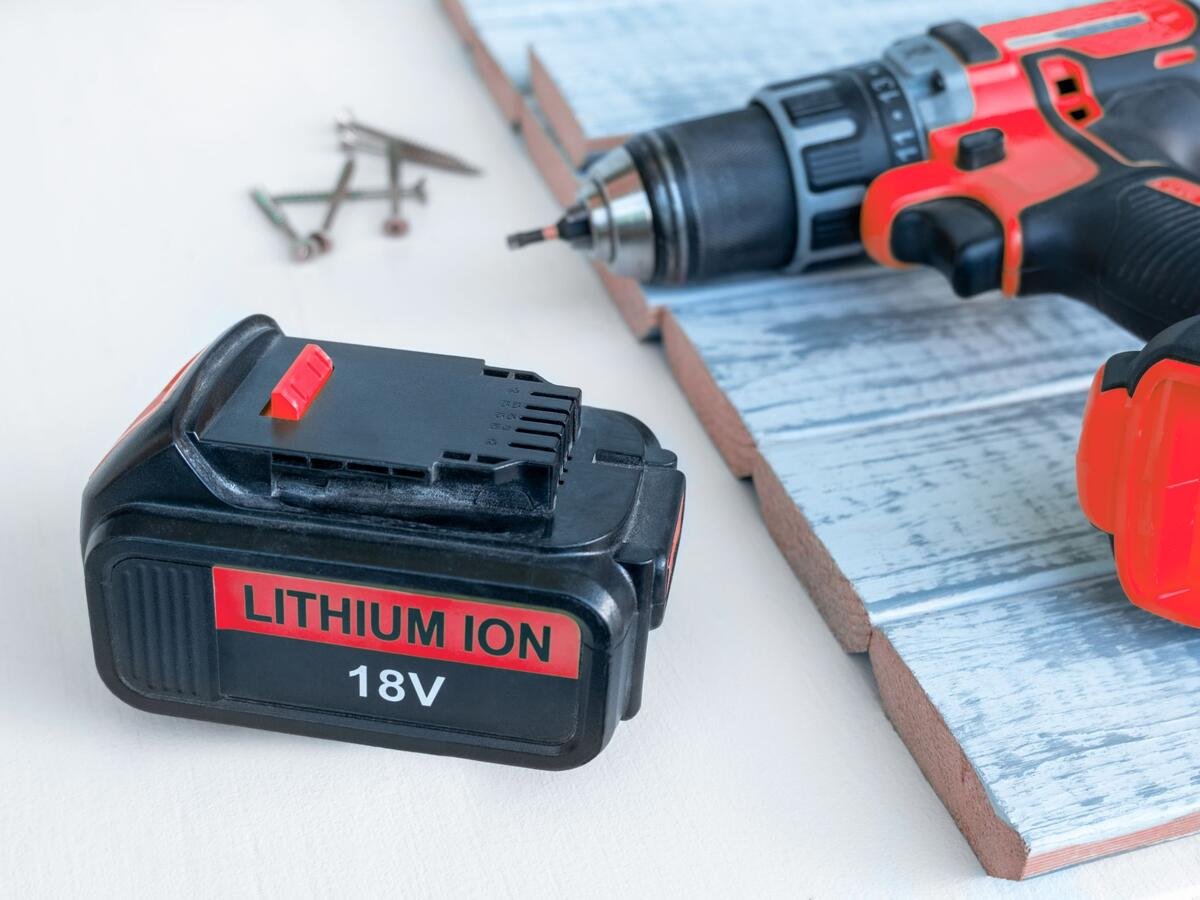
Your cordless drill is more than just a tool—it’s a trusted partner in all your DIY projects and home repairs. But to keep it running smoothly, you need to take care of its heart: the battery.
Neglecting this vital component can leave you with a lifeless drill just when you need it most. That’s why understanding how to maintain your cordless drill battery is crucial for any tool enthusiast. In this guide, you’ll discover simple, effective strategies to extend your battery’s lifespan and ensure your drill is always ready to go.
Stick around to learn the secrets that can save you time, money, and frustration.
Credit: www.slashgear.com
Choosing The Right Battery
A cordless drill works best with the right battery. Picking the right battery helps your drill last longer and work better.
Knowing the types and features of drill batteries will help you make a smart choice.
Types Of Cordless Drill Batteries
There are three main types of batteries for cordless drills: Nickel-Cadmium, Nickel-Metal Hydride, and Lithium-Ion. Each type has its own strengths and weaknesses.
Nickel-Cadmium batteries are older and heavier. They hold less charge but can work in cold weather.
- Nickel-Cadmium (NiCd): Durable but heavy and lower capacity
- Nickel-Metal Hydride (NiMH): More capacity but shorter life
- Lithium-Ion (Li-Ion): Lightest, longest life, and fast charging
Lithium-Ion batteries are the most popular today because they last longer and weigh less.
Battery Capacity And Voltage
Battery capacity shows how long the drill can work before needing a recharge. It is measured in ampere-hours (Ah).
Voltage tells you how powerful the battery is. Higher voltage means more power for tough jobs.
| Battery Feature | What It Means | Why It Matters |
|---|---|---|
| Capacity (Ah) | Amount of charge stored | Longer work time before recharge |
| Voltage (V) | Power output level | More power for heavy drilling |
Choose a battery with enough capacity and voltage for your tasks. This helps your cordless drill work well and last longer.
Charging Best Practices
Keeping your cordless drill battery healthy starts with good charging habits. Proper care extends battery life and ensures reliable power.
This guide covers simple steps to charge your battery correctly and safely.
Proper Charging Techniques
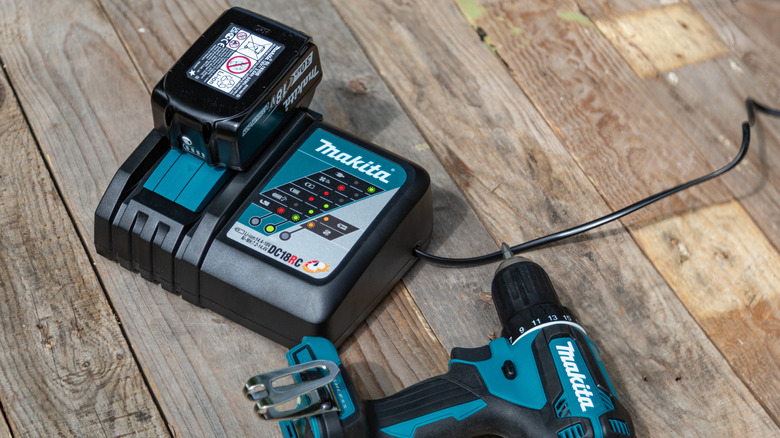
Charge your battery only when it is cool and not too hot. Use a flat, clean surface to place the charger and battery. Avoid charging in very hot or cold places.
- Plug the charger into a wall outlet before connecting the battery.
- Remove the battery from the drill before charging.
- Do not use the battery while it is charging.
- Charge the battery fully before first use.
Avoiding Overcharging
Overcharging can damage the battery and reduce its lifespan. Modern chargers often stop automatically when the battery is full. Still, unplug the charger soon after charging ends.
| Time After Full Charge | Action |
|---|---|
| 0-30 minutes | Safe to unplug |
| 30 minutes – 2 hours | Possible slight battery damage |
| More than 2 hours | Risk of overcharging and battery wear |
Using Compatible Chargers
Always use chargers made for your battery type and brand. Using wrong chargers can cause poor charging and damage the battery.
- Check the voltage and model number on your battery and charger.
- Do not use universal chargers unless specified by the manufacturer.
- Replace lost or damaged chargers with official ones.
Storage Tips For Longevity
Taking good care of your cordless drill battery helps it last longer. Proper storage keeps the battery safe and ready to use.
Storing batteries the right way stops damage and keeps power strong. Follow simple tips to protect your battery during storage.
Optimal Storage Conditions
Store your cordless drill battery in a cool, dry place. Avoid heat, cold, and moisture to prevent battery damage.
Keep the battery away from direct sunlight and metal objects. These can cause overheating or short circuits.
- Temperature between 40°F and 80°F (4°C to 27°C) is best
- Low humidity levels prevent corrosion
- Store battery at about 40% to 60% charge
- Use original case or a plastic container for protection
Storing Batteries During Off-season
When not using your cordless drill for a long time, store the battery properly. This keeps it healthy until you need it again.
Check the battery charge every few months. Recharge it to about 50% if it is low. This stops the battery from dying.
- Remove battery from the drill before storage
- Keep battery charged between 40% and 60%
- Check and recharge every 3 months
- Store in a dry, cool place away from metal objects
Credit: www.slashgear.com
Regular Battery Maintenance
Keeping your cordless drill battery in good shape helps it last longer. Regular care prevents common battery problems.
Simple maintenance steps can keep your battery working well. Check and clean your battery often.
Cleaning Battery Contacts
Dirty battery contacts can stop your drill from charging. Clean contacts allow electricity to flow properly.
Use a dry cloth or soft brush to remove dirt and dust. Avoid using water or liquids on the contacts.
- Turn off and remove the battery before cleaning
- Wipe the metal contacts gently with a dry cloth
- Use a soft brush to clear dust from small areas
- Do not use sharp tools that may damage contacts
Inspecting For Damage
Check your battery for cracks, leaks, or swelling. Damage can make the battery unsafe or stop it from working.
Look at the battery case and terminals closely. Stop using the battery if you see any damage.
- Look for cracks or breaks in the battery case
- Check for corrosion or rust on the terminals
- Watch for any swelling or strange smells
- Replace the battery if you find damage
Troubleshooting Battery Issues
Cordless drill batteries can face problems that stop them from working well. It is important to find and fix these issues.
Knowing how to troubleshoot your battery helps you save money and time. This guide shows common problems and when to replace the battery.
Common Battery Problems
Many issues come from the battery not holding charge or losing power quickly. Some problems are easy to fix at home.
- Battery does not charge at all
- Battery runs out of power fast
- Battery feels hot after use
- Battery leaks or smells strange
- Drill stops working during use
Check the charger and battery contacts for dirt or damage. Clean contacts with a dry cloth if dirty.
Try charging with a different charger if possible. If the battery still won’t charge, it may be faulty.
When To Replace The Battery
Batteries lose capacity after many uses. Replace the battery if it no longer holds a good charge.
Look for these signs to know when to get a new battery:
- Battery dies quickly after full charge
- Battery won’t charge at all
- Battery case is cracked or damaged
- Battery leaks fluid or smells bad
- Drill power drops even with a full battery
Replacing the battery keeps your drill working well and safe to use. Always buy the right type for your tool.

Credit: powuse.com
Extending Battery Life
Taking care of your cordless drill battery helps it last longer. Good habits save money and keep your drill ready.
Understanding how to use and store the battery can improve its life. Small changes make a big difference.
Usage Habits To Avoid
Some habits can damage your battery. Avoid these to keep your battery healthy and working well.
- Do not let the battery fully drain before charging.
- Avoid charging the battery for too long after it is full.
- Do not expose the battery to extreme heat or cold.
- Avoid dropping or hitting the battery hard.
- Do not leave the battery inside the drill when not in use for a long time.
Tips For Maximizing Performance
Follow these tips to keep your battery working at its best. Proper care improves battery power and runtime.
- Charge the battery after each use, even if it is not empty.
- Store the battery in a cool, dry place.
- Use the drill regularly to keep the battery active.
- Clean the battery contacts to ensure good connection.
- Use the charger designed for your specific battery type.
Frequently Asked Questions
How Often Should I Charge My Cordless Drill Battery?
Charge your cordless drill battery after each use to maintain performance. Avoid letting it fully discharge. Regular charging extends battery life and ensures readiness for your next project.
What Is The Best Way To Store Cordless Drill Batteries?
Store batteries in a cool, dry place away from direct sunlight. Keep them partially charged, around 40-60%, to prevent capacity loss and prolong battery lifespan.
Can I Use Any Charger For My Cordless Drill Battery?
Always use the charger designed for your specific battery model. Using incompatible chargers can damage the battery and reduce its overall life and efficiency.
How Can I Tell If My Cordless Drill Battery Needs Replacement?
If your battery holds less charge, drains quickly, or won’t charge at all, it likely needs replacement. Reduced performance signals battery wear and diminished capacity.
Conclusion
Taking care of your cordless drill battery saves money and time. Charge it properly and store it in a cool place. Avoid letting the battery drain completely before recharging. Clean the battery contacts regularly to keep good power flow. Small habits extend battery life and keep your drill ready.
Follow these simple steps for better battery performance. Keep your tools working longer and finish projects with ease. A well-maintained battery means fewer replacements and less hassle. Simple care makes a big difference in your cordless drill’s lifespan.