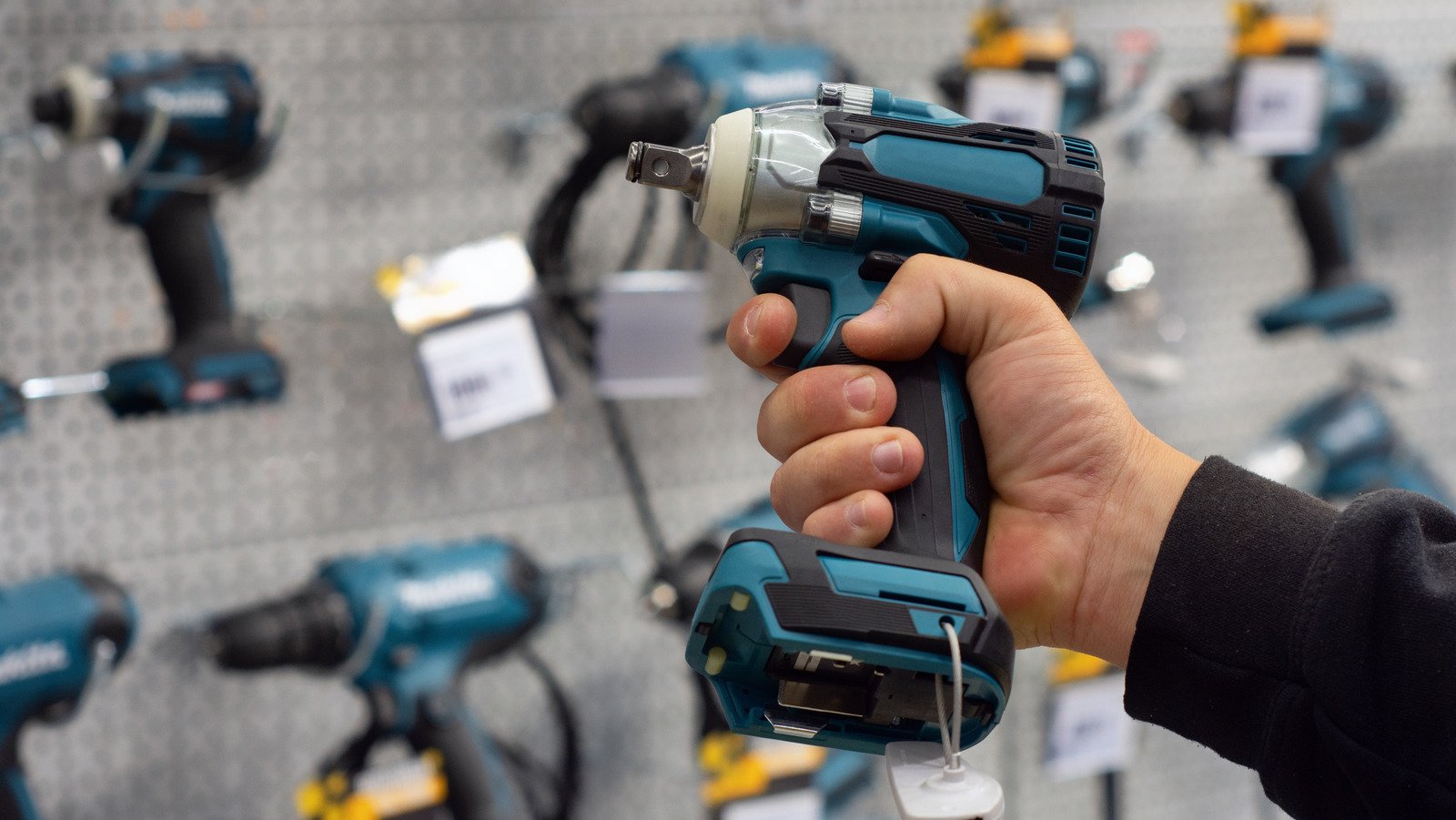
Your cordless drill is more than just a tool; it’s a trusty companion for all your DIY projects and home repairs. But are you giving it the care it deserves to ensure it stays by your side for the long haul?
Many people overlook the simple steps needed to keep their cordless drill in top condition, and that oversight can lead to frustration and unexpected costs. In this guide, you’ll uncover the secrets to maintaining your cordless drill for long-term use, saving you both time and money.
Imagine a tool that works flawlessly whenever you need it—no more last-minute trips to the store or wrestling with a malfunctioning drill. Dive in and discover how easy it is to extend the life of your cordless drill with just a bit of regular attention and care.
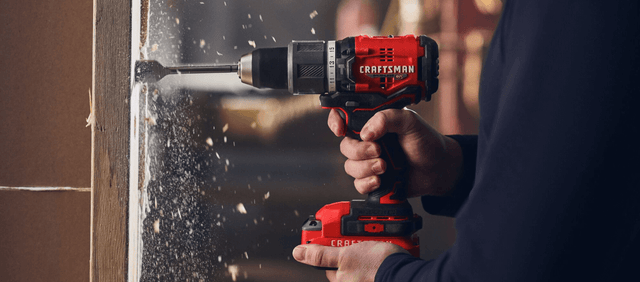
Credit: www.craftsman.com
Choose The Right Drill
Picking the right cordless drill helps you work better and last longer. It makes your tasks easier and saves you time.
Look at key features before buying. This guide helps you find the best drill for long-term use.
Consider Battery Type
The battery type affects drill life and performance. Choose a battery that fits your needs.
Common batteries include lithium-ion, nickel-cadmium, and nickel-metal hydride. Lithium-ion lasts longer and charges faster.
- Lithium-ion: lightweight and holds charge well
- Nickel-cadmium: cheaper but heavier and less durable
- Nickel-metal hydride: better than nickel-cadmium but less than lithium-ion
Check Drill Power
Drill power matters for how well it works on jobs. Look at voltage and torque for strength.
Higher voltage means more power. Torque helps with tough materials. Balance power with your project needs.
- Voltages range from 12V to 20V or more
- Higher torque works better on hard materials
- Choose power based on your usual tasks
Evaluate Ergonomics
Ergonomics affect comfort and control. A good drill feels easy to hold and use for long periods.
Check weight, grip, and size. A balanced drill reduces hand strain and helps you work better.
- Look for soft grips for comfort
- Choose lightweight models if you work long hours
- Make sure the drill fits your hand size
Keep Batteries Healthy
Taking care of your cordless drill batteries helps them last longer. Good battery health means better drill performance.
Follow simple tips to keep your batteries strong and ready to use anytime.
Store Batteries Properly
Store batteries in a cool, dry place. Avoid extreme heat or cold to protect battery life.
Keep batteries away from metal objects to prevent short circuits and damage.
- Store at room temperature, around 20°C (68°F)
- Keep batteries in a dry area
- Avoid storing in direct sunlight
- Separate batteries from metal tools
Avoid Overcharging
Do not leave batteries charging after they reach 100%. Overcharging reduces battery capacity.
Use chargers with automatic shut-off features to stop charging on time.
- Unplug charger once fully charged
- Use the charger made for your battery type
- Do not charge overnight or for too long
Use Batteries Regularly
Use your drill and batteries often. Regular use keeps batteries active and healthy.
If you do not use the drill for a long time, charge and discharge batteries every few months.
- Run batteries down before recharging
- Use the drill for small tasks regularly
- Charge and discharge unused batteries every 3 months
Clean Your Drill Regularly
Keeping your cordless drill clean helps it last longer. Dirt and dust can stop it from working well.
Regular cleaning is easy and keeps your drill safe to use. It also improves performance.
Remove Dust And Debris
Dust and debris build up inside vents and around the drill. This can cause it to overheat or stop working.
Use a small brush or compressed air to clear dust from vents and tight spots. Do this often.
Wipe Down Exterior
Wipe the drill’s outside with a damp cloth. This removes dirt and sweat from your hands.
Do not use harsh chemicals. Mild soap and water work best to protect the drill’s surface.
Clean Chuck And Bit Holder
Remove bits from the chuck before cleaning. Dirt inside can make it hard to hold bits tightly.
Use a brush and cloth to clean inside the chuck and bit holder. This keeps them working smoothly.
- Open the chuck fully to access inside
- Brush out dust and small debris
- Wipe with a dry cloth to remove moisture
- Apply light machine oil if needed for smooth movement
Lubricate Moving Parts
Lubricating your cordless drill’s moving parts keeps it working smoothly. It helps prevent rust and wear over time.
Regular lubrication extends the drill’s life and keeps it efficient for long-term use.
Apply Oil To Chuck
The chuck holds the drill bit tight. Applying oil stops it from sticking or rusting. Use light machine oil for best results.
- Open the chuck fully to expose the jaws.
- Apply a few drops of light oil to the jaws and moving parts.
- Turn the chuck back and forth to spread the oil evenly.
- Wipe off any extra oil with a clean cloth.
- Repeat this process every few months or after heavy use.
Maintain Gear Mechanism
The gear mechanism controls the drill’s speed and power. Proper lubrication avoids grinding and noise. Use grease made for power tools here.
| Gear Part | Lubrication Type | Frequency |
| Main gears | Power tool grease | Every 6 months |
| Drive shaft | Power tool grease | Every 6 months |
| Bearings | Light machine oil | Every 3 months |
Inspect For Wear And Tear
Regular inspection helps keep your cordless drill working well for many years. Look closely at parts that wear out fast. Fix or replace damaged pieces on time.
Checking your drill often saves money and avoids big repairs. Pay attention to the drill bits, power switch, and screws.
Check Drill Bits
Drill bits wear out with use and can break or dull. Inspect bits before each job. Replace bits that are bent, chipped, or blunt to keep drilling safe and accurate.
- Look for cracks or chips on the bit edges.
- Check if the bit spins smoothly in the chuck.
- Replace bits that do not cut well or slide in the drill.
Examine Power Switch
The power switch controls the drill’s start and stop. It can wear out or get dirty inside. Test the switch for smooth operation and firm clicks. Clean around it to remove dust and dirt.
| Problem | Check | Action |
| Switch feels loose | Wiggle the switch | Tighten or replace switch |
| Drill doesn’t start | Press switch firmly | Clean or repair switch contacts |
| Switch sticks | Toggle switch back and forth | Remove dirt and lubricate |
Look For Loose Screws
Loose screws make the drill unstable and unsafe. Check all screws on the drill body and handle. Tighten any that feel loose with the right screwdriver.
- Inspect screws around the battery holder.
- Check screws near the motor housing.
- Secure screws on the handle and trigger area.
Credit: www.familyhandyman.com
Store Drill Safely
Keeping your cordless drill stored properly helps it last longer. Safe storage prevents damage and keeps it ready for use.
Follow simple tips to protect your drill from harm when not in use. This guide covers safe storage practices.
Use A Protective Case
A sturdy case guards your drill against dust, dirt, and impacts. It keeps all parts together and easy to find.
- Choose a case with foam padding for extra protection.
- Keep drill bits and accessories inside the case.
- Store the case in a dry, cool place.
Avoid Extreme Temperatures
Extreme heat or cold can harm your cordless drill’s battery and motor. Keep it where temperatures stay steady.
| Temperature Range | Effect on Drill |
| Below 32°F (0°C) | Battery may lose charge quickly |
| Above 104°F (40°C) | Battery damage and tool overheating |
| Ideal: 50°F – 77°F (10°C – 25°C) | Best for battery and tool health |
Keep Away From Moisture
Water can cause rust and damage electrical parts. Store your drill where it stays dry and free from humidity.
- Use silica gel packs in the case to absorb moisture.
- Do not leave your drill outside or in damp areas.
- Check the drill for moisture before use.
Follow Manufacturer’s Guidelines
Maintaining your cordless drill properly helps it last longer. Always follow the instructions from the manufacturer. These tips will guide you on how to take care of your tool safely and effectively.
Using the right parts and servicing your drill at the right time keeps it working well. Read on to learn key steps for proper maintenance.
Read The Manual
The manual has important information about your cordless drill. It tells you how to use it safely and keep it in good condition. Always read it before you start using the drill.
- Check the safety warnings
- Learn about battery care
- Understand how to clean the drill
- Follow the recommended storage tips
Use Recommended Accessories
Using the right accessories helps your drill work better and last longer. The manufacturer suggests specific parts made for your model. Avoid using parts that do not fit or are low quality.
| Accessory | Purpose | Why Use Recommended |
| Battery | Power source | Ensures proper fit and charge |
| Drill bits | Drilling holes | Prevents damage to drill and work |
| Charger | Battery charging | Protects battery life and safety |
Schedule Professional Servicing
Regular professional checkups keep your drill safe and reliable. Experts can spot problems early and fix them. Plan to have your drill serviced after heavy use or once a year.
- Clean internal parts
- Check motor and battery health
- Replace worn or damaged components
- Test drill performance
Credit: www.techgearlab.com
Frequently Asked Questions
How Often Should I Clean My Cordless Drill?
Clean your cordless drill after every use. Remove dust and debris with a soft brush or cloth. Regular cleaning prevents damage and ensures smooth operation. Avoid using water to prevent electrical issues.
What Is The Best Way To Store A Cordless Drill?
Store your cordless drill in a cool, dry place. Keep the battery separate if not using for long periods. Use a protective case to avoid dust and moisture damage. Proper storage extends the drill’s lifespan.
How Do I Maintain The Drill Battery For Long Life?
Charge the battery fully before first use and avoid overcharging. Store batteries in a cool, dry place. Use the drill regularly to keep the battery active. Replace batteries when performance drops significantly.
Can I Lubricate My Cordless Drill For Better Performance?
Yes, lightly lubricate moving parts like the chuck with machine oil. Avoid over-lubrication as it attracts dust and dirt. Proper lubrication reduces wear and enhances drill efficiency.
Conclusion
Regular cleaning and battery care extend your drill’s life. Store it in a dry, cool place to avoid damage. Check parts often and replace worn pieces quickly. Charge the battery fully but avoid overcharging. Simple steps keep your cordless drill ready for any job.
Use it safely and maintain it well. Your drill will stay reliable and strong for years. Small efforts now save big repair costs later. Keep your tool working smoothly with these easy tips.