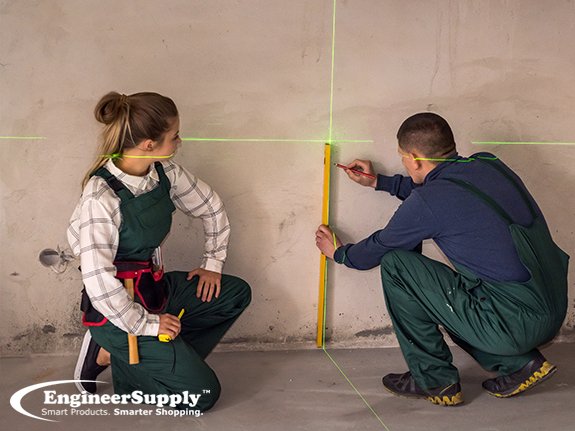
Are you tired of guessing measurements on your construction projects? Using a laser distance measurer can save you time and make your work more accurate.
Imagine getting precise distances with just the push of a button—no more fumbling with tape measures or climbing ladders. You’ll discover simple steps to use a laser distance measurer effectively and avoid common mistakes. By the end, you’ll feel confident handling this tool and improving your construction work like a pro.
Keep reading to unlock the secret to faster, smarter measuring.
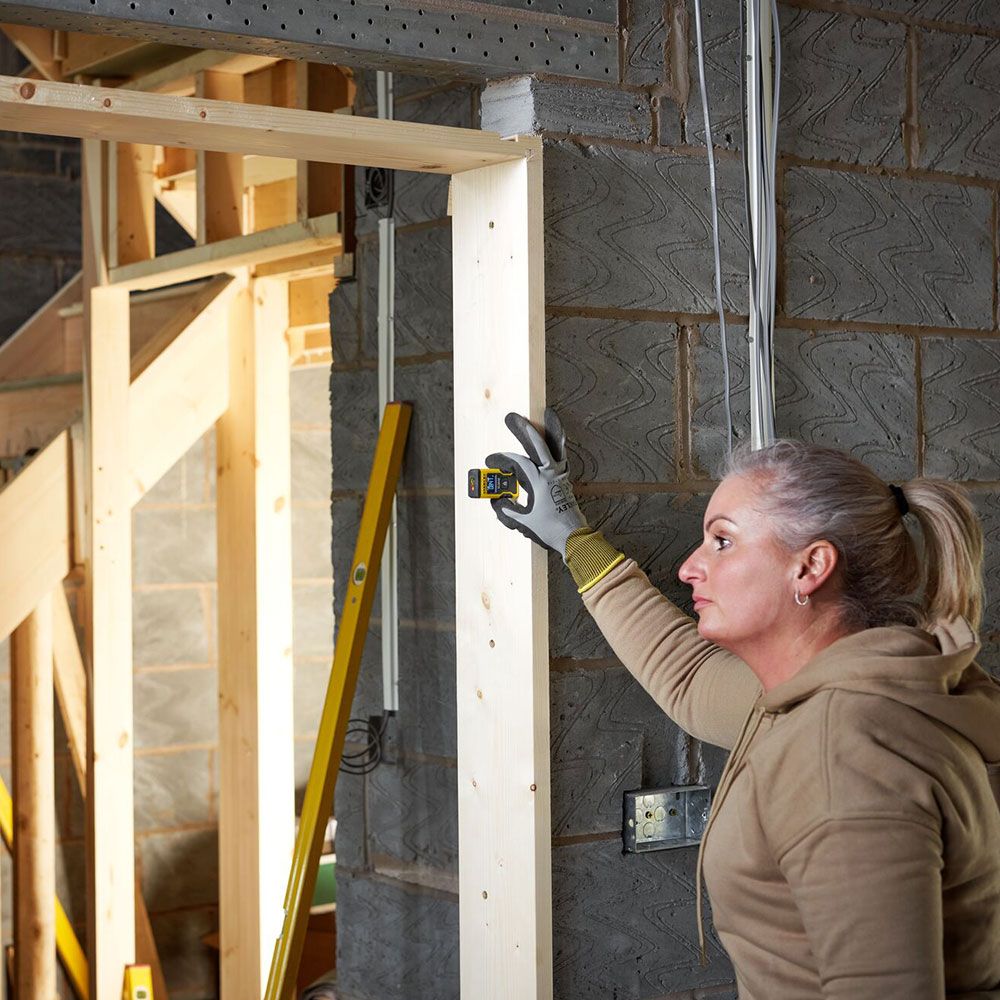
Credit: www.scottdirect.com
Choosing The Right Laser Distance Measurer
Using a laser distance measurer can save time on construction projects. Picking the right one is important for accuracy and ease.
Different models suit different tasks. You should know what features and types fit your needs best.
Types Of Laser Measurers
Laser measurers come in several types. Each type works better for some jobs than others.
- Basic models measure simple distances quickly.
- Advanced models offer area and volume calculation.
- Bluetooth models connect to apps for easy data transfer.
- Long-range models work well for large buildings.
Key Features To Consider
Look at features that make your work easier and more accurate. Not all features are needed for every job.
- Measurement range: longer range for big sites.
- Accuracy: small error margin is best.
- Display: a clear screen helps in bright light.
- Memory: saves measurements for later use.
- Durability: water and dust resistance is useful.
- Battery life: longer life means less charging breaks.
Budget Vs. Functionality
Balance your budget with the features you need. A cheaper model may lack some useful tools.
Think about how often you will use the device and the types of measurements you need. This helps pick the best value.
- Low budget: basic distance measurement only.
- Mid-range: adds area, volume, and memory functions.
- High-end: long range, Bluetooth, and advanced features.
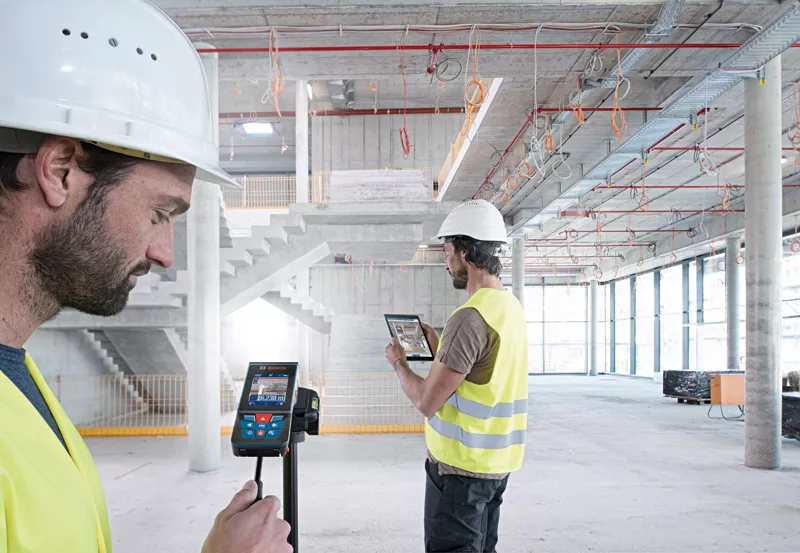
Credit: www.bosch-pt.com.au
Preparing For Accurate Measurements
Using a laser distance measurer in construction requires careful preparation. Accurate readings depend on setting up the tool correctly.
Learn how to prepare your device to get the best measurement results every time.
Setting Up The Device
Place the laser distance measurer on a steady surface or hold it firmly. Make sure it is stable to avoid shaky readings.
Point the laser beam directly at the target surface. Avoid aiming at reflective or uneven surfaces for better accuracy.
- Check the battery level before use
- Clear the area between the device and target
- Keep the device steady during measurement
Calibrating The Laser
Calibration ensures the laser gives correct distance readings. Follow your device’s instructions to calibrate it properly.
Use a known distance to test the laser. Adjust settings if the reading is off to improve precision.
- Measure a fixed distance as a reference
- Compare the laser reading to the reference
- Adjust calibration if needed
Safety Precautions
Lasers can harm eyes. Never point the laser at people or animals. Always use the device safely.
Wear safety glasses if recommended. Keep the device away from children and follow all safety guidelines.
- Avoid direct eye exposure to the laser
- Use the laser only for intended measurement tasks
- Store the device safely when not in use
Step-by-step Measuring Techniques
Using a laser distance measurer can save time and improve accuracy on construction sites. Follow simple steps to get reliable results.
This guide explains how to measure straight distances, use continuous mode, and calculate area and volume.
Measuring Straight Distances
Point the laser device at the target surface and press the measure button. Keep the device steady and read the distance on the display.
- Turn on the laser distance measurer.
- Aim the laser at the point you want to measure.
- Press the measure button and hold still.
- Read the distance shown on the screen.
- Record the measurement for your project.
Using Continuous Measurement Mode
Continuous mode lets you track changing distances as you move the device. This is useful for finding the shortest or longest distance.
- Switch the device to continuous measurement mode.
- Slowly move the laser across the area you want to measure.
- Watch the display for distance updates.
- Stop when you reach the desired point.
- Press the measure button to save the reading.
Calculating Area And Volume
Many laser measurers can calculate area and volume using length, width, and height measurements.
| Calculation | Required Measurements | How to Measure |
|---|---|---|
| Area | Length and Width | Measure length, then width. The device multiplies automatically. |
| Volume | Length, Width, and Height | Measure length, width, and height. The device calculates volume. |
Tips For Measuring In Challenging Environments
Using a laser distance measurer in tough conditions can be tricky. Different surfaces and lighting can affect accuracy.
Knowing how to adjust your technique helps get correct measurements every time. This guide covers common challenges on job sites.
Dealing With Reflective Surfaces
Reflective surfaces like glass or shiny metal can bounce the laser beam. This causes wrong distance readings.
- Aim the laser at a flat, dull spot if possible.
- Use a target plate or a piece of cardboard to absorb the laser.
- Hold the measurer steady to avoid beam scatter.
- Take multiple readings and use the average for accuracy.
Measuring Outdoors In Bright Light
Bright sunlight can make the laser dot hard to see. This affects aiming and reading results.
| Tip | Description |
| Use a target plate | Helps reflect the laser clearly in bright light. |
| Wear polarized sunglasses | Reduces glare and helps see the laser dot better. |
| Measure in shade | Find a shaded spot to improve visibility. |
| Adjust screen brightness | Increase device screen brightness to read measurements easily. |
Working In Confined Spaces
Confined spaces limit how far you can point the laser. This affects your ability to measure large distances.
- Use a shorter measuring mode if available.
- Take multiple short measurements and add them for total distance.
- Use mirrors or reflective surfaces to bounce the laser around corners.
- Hold the device steady to keep the laser on the target.
Integrating Measurements Into Construction Workflows
Using a laser distance measurer helps make construction work faster and more accurate. It gives precise measurements that fit well into daily tasks.
To get the best results, you need to add these measurements into your usual work steps. This guide shows how to handle data and share it with your team.
Recording And Storing Data
After measuring, write down or save the numbers quickly. Many laser measurers store data inside the device automatically.
Keep your measurement records organized so you can find them later. Use clear labels or notes for each measurement.
- Use the device’s memory to save measurements
- Note date, time, and location for each reading
- Back up data regularly to avoid loss
Transferring Data To Software
Move your measurements from the laser device to your computer or tablet. This helps you use the data in plans and reports.
Many devices connect via Bluetooth or USB. Choose the method that fits your tools and software.
- Use Bluetooth for wireless data transfer
- Connect with USB cable for fast copying
- Import files into design or project software
- Check data accuracy after transfer
Collaborating With Teams
Share measurement data with your team to keep everyone updated. This reduces mistakes and speeds up decisions.
Use cloud storage or project management tools to let team members see the data anytime.
- Upload measurements to shared cloud folders
- Use project apps that support data sharing
- Send updates via email or messaging apps
- Review data together to confirm details
Maintaining And Troubleshooting The Device
Keeping your laser distance measurer in good shape helps it last longer. Regular care prevents errors and ensures accurate readings.
Troubleshooting common problems saves time and avoids costly repairs. Knowing when to replace parts keeps your device working well.
Regular Maintenance Routines
Clean the lens often with a soft cloth. Remove dust and dirt from the device body with a dry cloth. Avoid using water or chemicals that can damage it.
- Store the device in a protective case to avoid scratches.
- Check buttons and switches for smooth operation.
- Keep the device away from extreme heat and moisture.
- Calibrate the device yearly or after heavy use.
Common Issues And Fixes
Some problems happen often but have easy fixes. If the device shows no reading, check the battery first. Loose parts can cause wrong measurements.
| Issue | Cause | Fix |
| No power | Dead battery | Replace or recharge battery |
| Inaccurate readings | Dirty lens or uncalibrated | Clean lens and recalibrate |
| Buttons not working | Dust inside device | Clean device exterior and consult manual |
| Screen flickers | Loose connection or low battery | Check connections and replace battery |
When To Replace Batteries Or Parts
Replace batteries if the device powers off quickly or the screen dims. Use the battery type recommended by the manufacturer.
- Change batteries every 6 months or as needed.
- Replace the lens cover if scratched or cracked.
- Switch out damaged buttons or covers promptly.
- Use original parts to keep warranty and function.
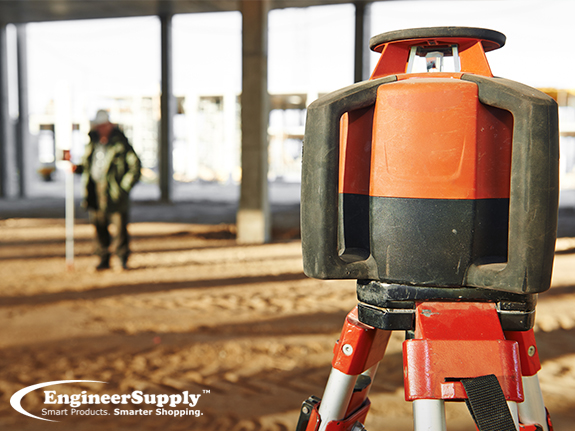
Credit: www.engineersupply.com
Frequently Asked Questions
What Is A Laser Distance Measurer Used For?
A laser distance measurer accurately measures distances using laser technology. It simplifies tasks like measuring rooms, walls, and construction sites. It provides quick, precise readings, saving time and reducing errors compared to traditional tape measures.
How Do I Operate A Laser Distance Measurer?
Turn on the device and aim the laser at the target. Press the measurement button to get the distance reading. Always hold the device steady and ensure a clear line of sight for accurate results.
Can A Laser Distance Measurer Measure In Different Units?
Yes, most laser distance measurers offer multiple units like meters, feet, and inches. You can switch units through the device settings, making it versatile for various construction needs and preferences.
What Safety Precautions Should I Take Using It?
Avoid direct eye exposure to the laser beam. Use the device as instructed and keep it away from children. Wear safety glasses if recommended and never point the laser at reflective surfaces.
Conclusion
A laser distance measurer simplifies construction tasks. It provides accurate, quick measurements. No more manual measuring hassles. Easy to operate, even for beginners. The compact design fits comfortably in hand. Saves time and enhances efficiency on-site. Ideal for both large and small projects.
Reduces errors and increases productivity. A must-have tool for modern construction work. Invest in quality for reliable results. Embrace technology to ease your workload. With practice, you’ll gain confidence using it. Start using a laser distance measurer today. You’ll notice the difference in your projects.
Accurate, efficient, and user-friendly.